About REVEX Smart
The main applications include: login and registration, device addition, video intercom, video playback, and so on.
1. Login and registration: You can use your phone number to register and log in in in order to use the relevant functions of the APP.
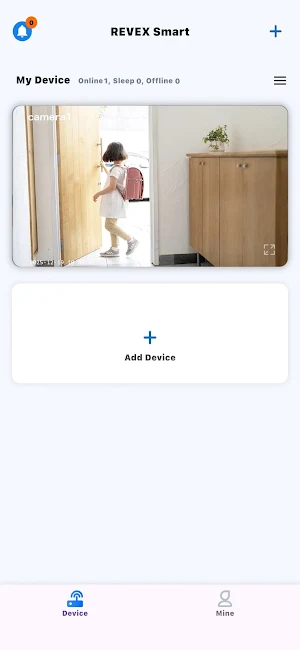
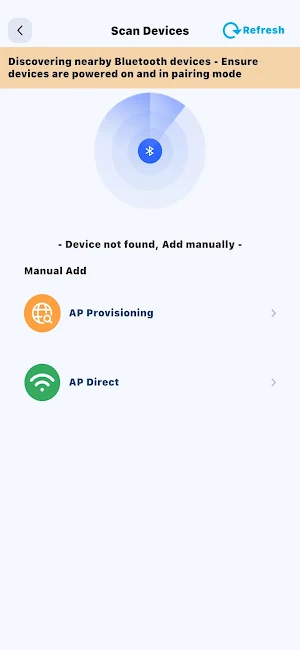
2. Add device: There are several ways to add a device: 1) Scan the device QR code to add it; 2) Install network and perform LAN scanning. 3) Share with friends.
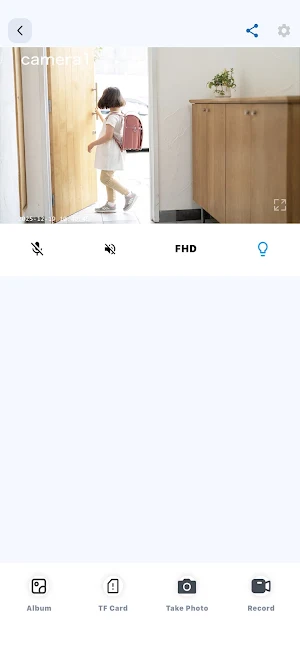
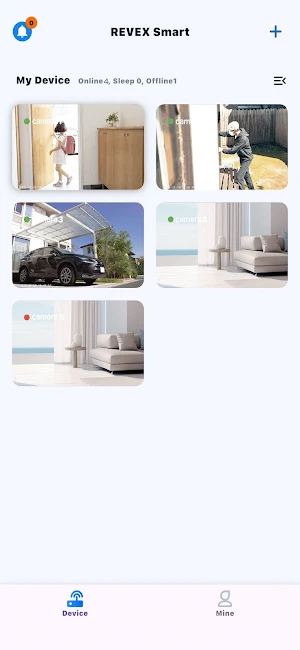
3. Visual intercom: Click on the device list on the homepage to enter the real-time video intercom page, which has functions such as controlling microphones and speakers, taking screenshots, recording videos, and sharing devices.
4. Video playback: If the device has a TF card, you can enter the video playback page from the real-time intercom page. You can select the date you want to play back to obtain the video list, and click on the video to play back.
Similar Apps
Bunker PDF: Merge, Split & OCR
Merge, split, compress & redact PDFs. Zero network access. Pay once.

QR Scanner & Generator
Scan QR codes and barcodes. Create codes and save or share them offline.

Speed Test
Fast, accurate internet speed test for WiFi & mobile networks.
SIM Owner Details & SIM Info’s
Pak SIM Owner Details - Identify Unknown & Suspicious Callers Safely.

Stratolift
Your elevator management app of choice
