MetaClean: Metadata Cleaner
Clean photo, PDF and Office metadata locally with no uploads.
About MetaClean: Metadata Cleaner
MetaClean is a simple privacy-focused tool designed to clean hidden metadata from photos and documents before you share them.
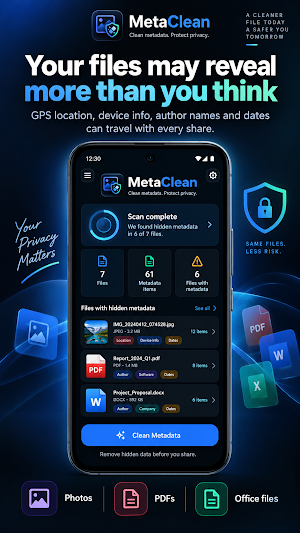
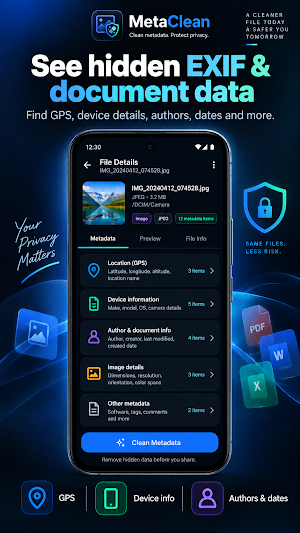
Photos, PDFs and Office documents can contain information such as location data, device model, capture date, author name, creator app, modification date and custom document properties. MetaClean checks selected files locally on your device, shows a clear metadata summary and creates clean copies.
What you can do with MetaClean
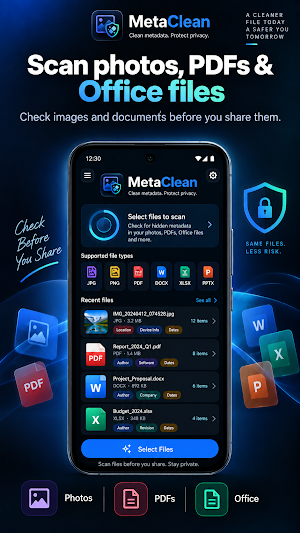
• Clean EXIF metadata from JPG, JPEG, PNG, WEBP, HEIC and HEIF photos
• Clean PDF metadata such as author, title, subject, creator, producer and dates
• Clean document properties from DOCX, XLSX and PPTX files
• Automatically detect selected file types
• Add multiple files and clean them in a batch
• Verify cleaned files after processing
• Create clean copies without modifying original files
• Save cleaned copies to your device or share them through Android’s system share sheet
Privacy-focused by design
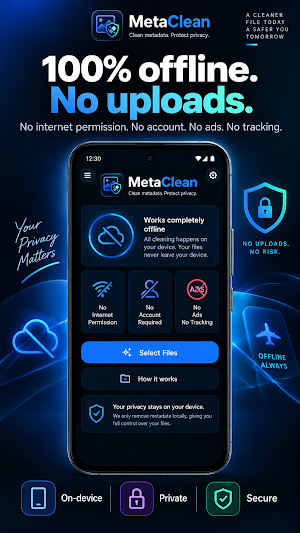
MetaClean does not request internet permission. Your files are not uploaded to a server. No account is required, and the app does not include ads, analytics or tracking. Selected files are processed locally on your device.
Supported files
Photos:
JPG, JPEG, PNG, WEBP, HEIC, HEIF
Documents:
PDF, DOCX, XLSX, PPTX
Smart metadata detection
MetaClean automatically detects the file type and shows what kind of metadata can be found. For photos, it can detect information such as GPS location, device details, camera settings and capture date. For documents, it can check author name, creator app, title, company, custom properties and modification dates.
Post-clean verification
After creating a clean copy, MetaClean can scan the output file again and show whether readable metadata remains. This helps you understand what was cleaned and whether any warnings need attention.
Important note
MetaClean cleans file metadata. It does not remove visible content inside files, such as names, addresses, phone numbers, emails, signatures, text inside screenshots, PDF page content, comments or tracked changes. Always review visible content before sharing sensitive files.
Who is MetaClean for?
• People who want to remove location data before sharing photos
• Users who want to clean author and date information from PDFs or Office files
• Students, freelancers, consultants and creators who care about privacy
• Anyone who wants to clean files locally without uploading them anywhere
MetaClean has one clear purpose:
Help you create cleaner, safer and more private copies before sharing your files.
Similar Apps

NeoNet: Cyber Simulator
Learn cybersecurity through safe, gamified simulations.
MetaClean: Metadata Cleaner
Clean photo, PDF and Office metadata locally with no uploads.

Wi-Fi Wall-Scope: RF Scanner
Explore Wi-Fi signals around walls, rooms, and hidden spaces.
Surfnice - Worldwide with eSIM
Connect to the world with eSIM
