AR Drawing: Trace & Paint
Learn To Draw & Sketch. Create stunning art with AR drawing trace to sketch App.
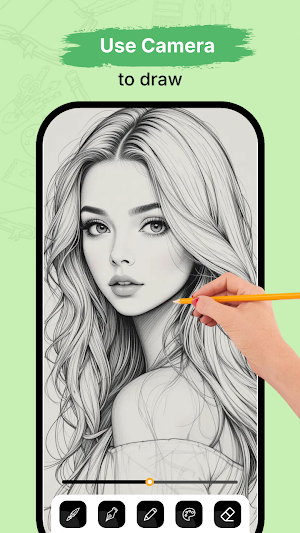
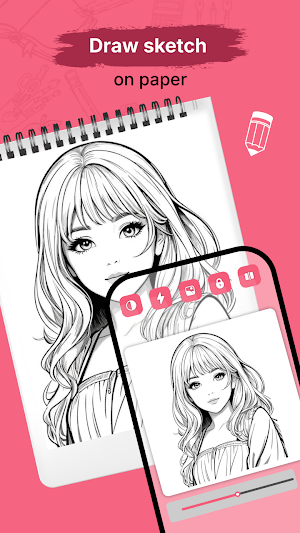
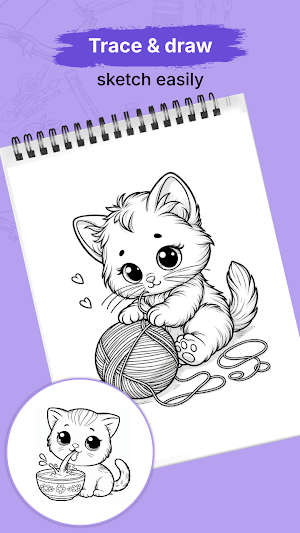
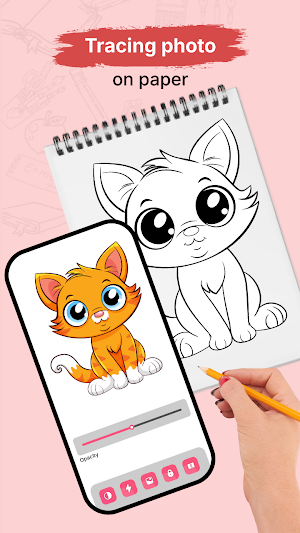
About AR Drawing: Trace & Paint
AR Draw Sketch Art Trace – Trace, Sketch & Learn with AR
Unlock your creative potential with AR Draw Sketch Art Trace — a simple yet powerful tool that lets you learn how to draw using the magic of augmented reality. Whether you're a beginner or an experienced artist, this AR Drawing Trace to Sketch tool will help you practice, sketch, and bring your ideas to life with precision.
Trace and Sketch with AR
With AR technology, this AR Drawing Trace to Sketch app overlays your chosen image onto a real surface using your camera, making it easier to trace and sketch with confidence. You can draw anything from portraits and anime characters to landscapes and objects by following the projected lines on paper.
Just pick an image from your gallery or take a new photo, adjust the transparency, and start sketching. It's like having a digital stencil right in front of you—making learning to draw smoother and more fun.
Designed for Artists of All Levels
Whether you're learning the basics or refining your technique, this app provides a seamless drawing experience. It helps you focus on line accuracy and structure by turning complex images into simple outlines you can follow step-by-step. You'll be able to trace and improve your control without the pressure of freehand drawing.
Perfect for Practicing Anime, Portraits, and More
This tool supports a wide range of styles—whether you're into anime sketches, realistic portraits, or creative designs. The app helps you strengthen your skills by allowing you to repeatedly practice over different images.
How It Works:
Choose any image from your gallery or capture a new one.
Use AR mode to project it onto your paper or canvas.
Adjust the opacity to make tracing easier.
Follow the outlines and sketch step by step.
Add your own creative details as you go.
Key Features:
Augmented reality image overlay for tracing.
Convert photos into sketchable outlines.
Adjustable transparency for better control.
Simple, user-friendly interface for smooth sketching.
Ideal for practice, learning, and creative drawing.
Why Choose This App?
No special tools required—just your phone and paper.
Makes learning to draw more visual, hands-on, and stress-free.
A helpful companion for anyone looking to enhance their artistic skills.
Start Your Creative Journey Today
Download AR Draw Sketch Art Trace and begin turning your favorite images into beautiful hand-drawn sketches. Whether you're practicing, learning, or just having fun, this AR Drawing Trace to Sketch experience brings your imagination to life.
Similar Apps

Mic to Speaker Bluetooth Mic
Mic to Speaker Connect – Turn Your Phone into a Wireless Microphone...
House Design 3D Floor Plan App
Draw your floor plan smartly. Make house design blueprint with home planner...
AR Drawing: Trace & Paint
AR Draw Sketch Art Trace – Trace, Sketch & Learn with ARUnlock...

Lock Screen Drawing Wallpaper
Lock Screen Drawing Wallpaper App – Personalize Your Screen with Creativity in...

Cute Emoji Battery Icon Bar
Cute Emoji Battery Icon Bar – Add Fun to Your Status Bar!Turn...

Cat Language DIY Wallpaper
🐾 Create Your Own Cat-Themed Wallpapers!Create and design custom wallpapers featuring adorable...

