Butterfly WatchFace
Elegant Butterfly Watch Face with customizable features for Wear OS devices.
About Butterfly WatchFace
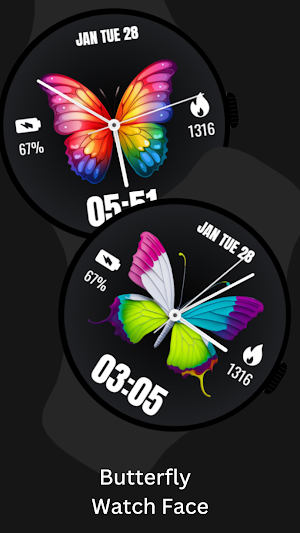
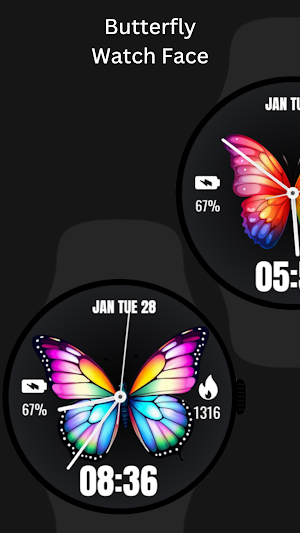
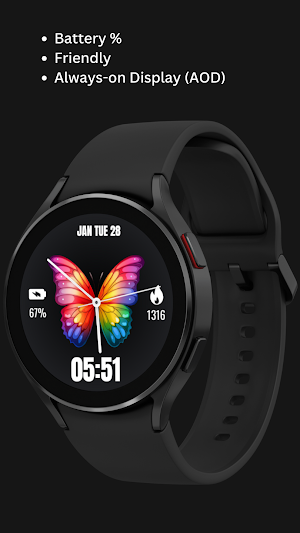
Transform your Wear OS device with the elegant Butterfly Watch Face! With options to display time, date, battery percentage, and step count, this watch face brings beauty and utility together on your wrist.
⚙️ Watch Face Features
• Date, month and day of the week.
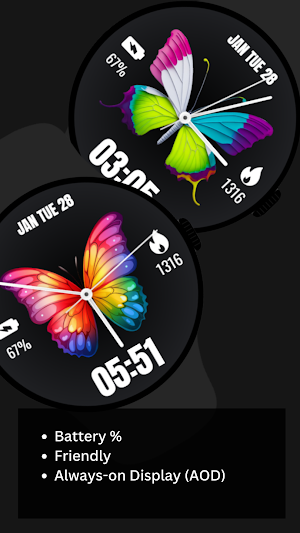
• Battery %
• Steps Counter
• Ambient Mode
• Always-on Display (AOD)
🔋 Battery
For better battery performance of the watch, we recommend disabling the "Always On Display" mode.
After installing the Butterfly WatchFace , follow these steps:
1)Open the Companion App on your phone.
2)Tap "Install on Watch".
3)On your watch, select the Butterfly WatchFace from your settings or watch face gallery.
Your watch face is now ready to use !
✅ Compatible with all Wear OS devices API 30+ including such as Google Pixel Watch, Samsung Galaxy Watch etc.
Not suitable for rectangular watches.
Thank you !
Similar Apps

Easter Bunny Watch Face
Celebrate Easter in style with the delightful Easter Bunny Watch Face designed...

Happy Easter Watch Face
Make your Easter even more festive with the Happy Easter Watch Face!...
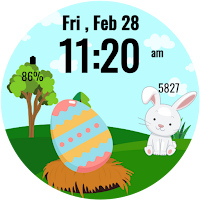
Easter Bunny Smiles Watch
Brighten your day with the delightful Easter Bunny Smiles Watch Face designed...
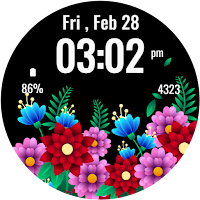
Flowers Spring Summer Watch 2
Celebrate the beauty of blooming flowers with the Flowers - Spring Summer...
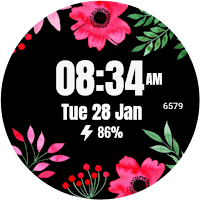
Flower - Spring Summer Watch
Add a touch of nature to your Wear OS device with the...
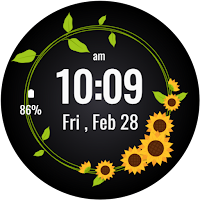
Sunflowers Watch Face
Bring the beauty of nature to your wrist with the Sunflowers Watch...