About Note
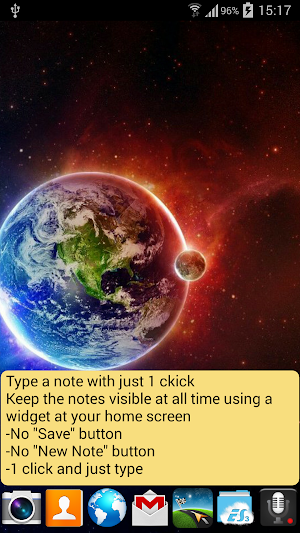
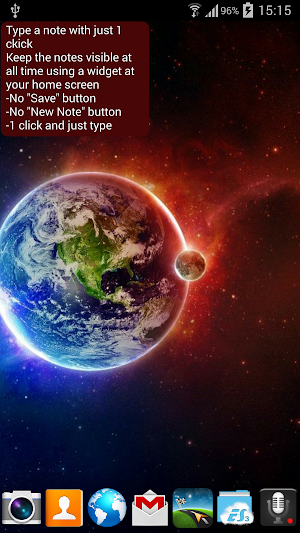
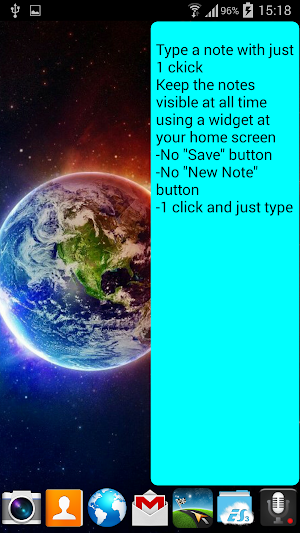
Taking notes in 3 easy steps:
1. Tap on the widget
2. Type in your note
3. Leave the application
Your notes are always safe and at hand
- no extra actions
- no unnecessary buttons
- no 'New Note'
- the fastest way to write a note and keep it safely at hand
- independent from external storage/SD card
- your notes are save at your sdcard, even if you uninstall the application
- your notes are save, even if your sdcard gets damaged, or it's content delete (but the app installed)
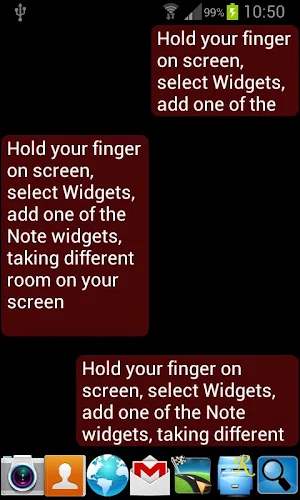
To start using the Note application, first add the widget on your screen:
1. Hold your finger on the Home screen
2. Tap on 'Widgets'
3. Select 'Note', and choose the best size for you
Similar Apps

taskzen
Our goal is to provide you with the fastest and most convenient...

NoteIt
Store your words for life 😊Have the best experience of writing with...

Notepad: notes, to do & diary
STAY ORGANIZED WITH SIMPLE NOTES CHECKLIST APP Are you looking for a...

Mission Cheer-Up
Completing small, attainable tasks can give your mood a little boost. Use...

Notes Widget Reminder
Intuitive, minimalistic notes widget with built-in reminder. Are you tired of complicated...

Note Manager: Notepad app with
Note Manager is a small size offline notepad with folders to write...

