About BETTERMIC
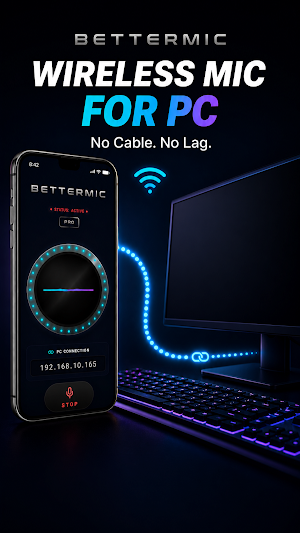
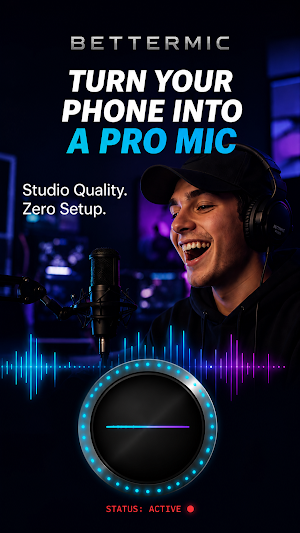
Transform your Android device into a high-fidelity, ultra-low latency wireless PC microphone. BetterMic is the ultimate audio bridge designed for gamers, streamers, podcasters, and remote workers who need a reliable wireless mic setup without compromising on sound quality.
By utilizing advanced UDP network protocols and the professional Opus audio codec, BetterMic completely replaces the need for an expensive physical desktop microphone or clumsy USB cables. Turn your smartphone into a professional PC microphone instantly and enjoy the freedom of a fully wireless setup.
WHY CHOOSE BETTERMIC AS YOUR PC MICROPHONE?
• ULTRA-LOW LATENCY: Powered by a highly optimized, custom Rust and Kotlin architecture, audio is streamed over your local WiFi network in real-time. With a near-zero latency of just 10-20ms, your voice transmission is completely seamless and virtually indistinguishable from a traditional wired hardware connection.
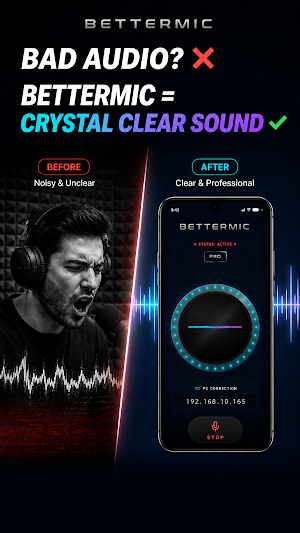
• STUDIO QUALITY AUDIO: Never compromise on your voice clarity. BetterMic leverages the industry-standard Opus codec (the exact same professional audio standard used by Discord) combined with an uncompressed 32-bit audio depth. This guarantees crystal-clear voice streaming, completely free from packet loss, jitter, or robotic artifact voices.
• 100% WIRELESS CONVENIENCE: No more damaged USB ports, broken jacks, or tangled cables cluttering your desk. Walk around your room freely while staying perfectly audible. BetterMic runs smoothly in the background, keeping you connected on Discord, TeamSpeak, Zoom, Microsoft Teams, OBS Studio, or during intense in-game voice chats.
• PRIVACY-FIRST ARCHITECTURE: Your data and security matter. BetterMic features zero telemetry, zero embedded ads, and requires zero cloud servers. Your private voice stream travels securely and strictly between your phone and your Windows computer over your local network. No external data tracking, ever.
HOW IT WORKS (SETUP IN 30 SECONDS):
1. Download and run the lightweight, free BetterMic Windows Client on your computer (available at bettermic.thestacksurge.com).
2. Ensure both your computer and your Android smartphone are connected to the same local WiFi network.
3. Open the BetterMic Android app, enter the local IP address displayed on your PC client, and tap "Connect".
That is it! A virtual device named "CABLE Input" will instantly appear as a fully functional, working microphone in your Windows sound settings. Simply select it as your default input device in your favorite games or communication apps.
Stop spending money on overpriced hardware or struggling with low-quality headset mics. Upgrade your audio setup today without spending a dime. Turn your phone into an ultra-low latency wireless PC microphone via WiFi, download BetterMic, and speak freely!
Similar Apps
RealVNC Viewer: Remote Desktop
Remotely control a desktop anywhere in the world from your Android device!

Avigilon Unity Video
Avigilon Unity Video enables remote video viewing from Avigilon Unity Software

ISO Today
Monitor real-time power grid conditions, get alerts and track calendar events
Wyze - Never Wonder
The Wyze app is your gateway to a smarter life and a safer home.
Castro Premium - system info
Learn the vast amount of system information about device and monitor it's state

Linksys
Control your Linksys Smart Wi-Fi products, including Velop, from anywhere
