Authenticator App - 2FA & MFA
Manage two step verification codes with an OTP generator for online services

About Authenticator App - 2FA & MFA
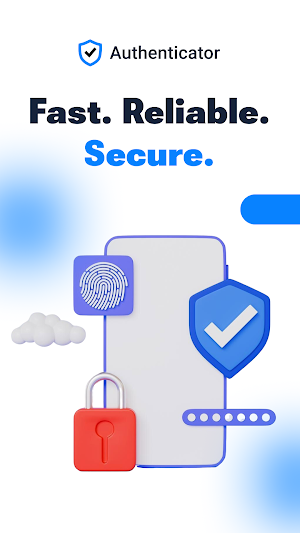
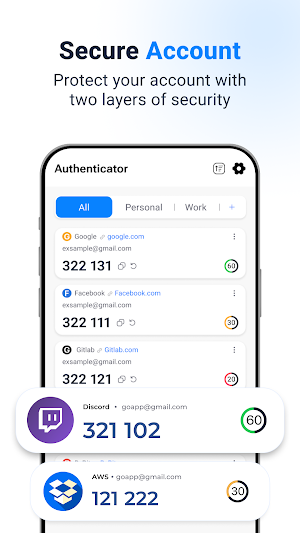
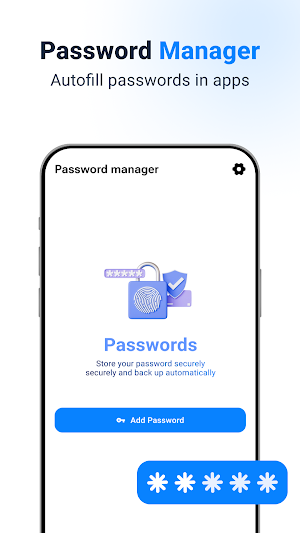
"Protect your online accounts with Authenticator App - 2FA & MFA — a simple and secure code generator for two factor authentication (2FA) verification codes and browse with added privacy.
The app generates time-based one-time passwords (TOTP) and counter-based codes (HOTP) that refresh automatically, adding an extra layer of protection beyond your password, delivering a one time password when you sign in. Set up accounts in seconds by scanning a QR code, then access verification codes anytime — even without an internet connection.
KEY FEATURES
• Quick QR code setup
Add accounts easily by scanning a QR code or entering setup keys manually.
• Offline OTP code generation
Generate 2FA verification codes without Wi-Fi or mobile data for offline 2FA, so your codes are available whenever you need them.
• Private browser
Browse websites using built-in private browsing tools designed to help reduce locally stored browsing activity on your device.
• Optional app lock
Protect your authenticator accounts using PIN, password, fingerprint, or biometric authentication with a biometric lock (depending on device support).
• Backup & restore support
Keep access to your authentication tokens when switching devices with optional backup and restore features.
• Easy account organization
Manage multiple authenticator accounts in one place for faster access to your verification codes.
• One-tap code copy
Copy OTP verification codes instantly to save time during sign in.
WORKS WITH MANY SERVICES
Use one authenticator app with thousands of websites and applications that support two step verification, 2FA, MFA, TOTP, or HOTP verification.
HOW TO USE
1. Enable 2FA or MFA on the website or app you want to protect.
2. Choose “Authenticator App” during setup and scan the QR code or enter the setup key manually.
3. Enter the verification code displayed in the app to complete setup.
4. Open the app anytime to access your latest OTP verification codes or use private browsing tools.
IMPORTANT NOTE
Private browsing features help reduce locally stored browsing activity on your device but do not guarantee complete anonymity or online privacy.
Authenticator App - 2FA & MFA supports industry-standard TOTP and HOTP authentication methods compatible with many online services and platforms.
Authenticator App - 2FA & MFA is an independent application and is not affiliated with Google, Microsoft, Meta, Binance, or any third-party companies or services.
"
Similar Apps

Fortect Mobile Security
Fortect Mobile Security: Secure Your Phone. Requires Fortect Premium Account
Private Internet Access VPN
Highly customizable, allowing users to configure DNS, port forwarding, proxies.

PingID
Secure authentication and identity verification in a single mobile app

Kickresume: AI Resume Builder
Join 8M+ job seekers who got their dream job with Kickresume’s AI resume builder

Aegis Authenticator - 2FA App
A secure 2-step authenticator to manage your one-time passwords

Goldman Sachs Wellness
Get access to personalized financial tools and resources at no cost to you.