AI Video Editor:Photo to Video
Turn photos into stunning AI videos with smooth motion in seconds.
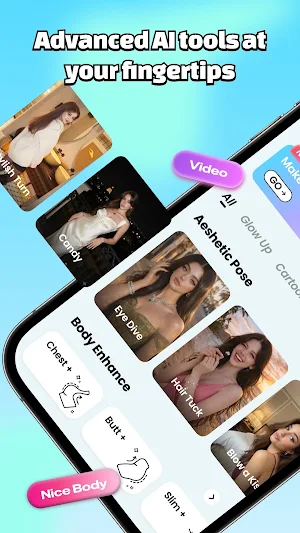
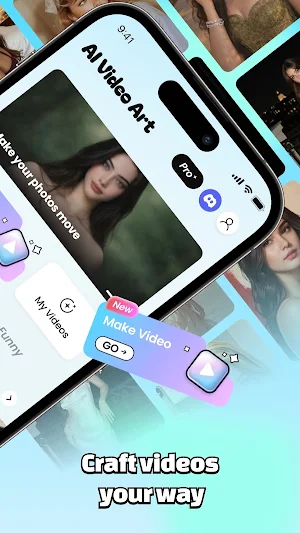
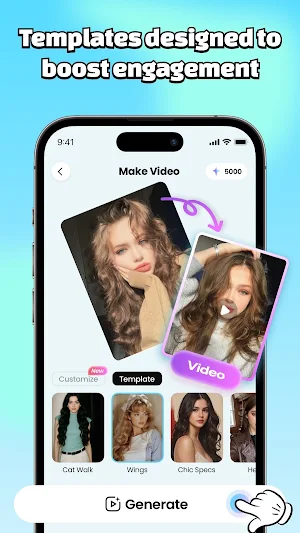
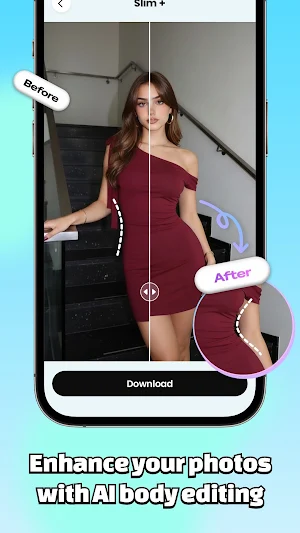
About AI Video Editor:Photo to Video
Turn your photos into stunning videos in seconds.
Our advanced AI brings your images to life with smooth motion, dynamic effects, and realistic animations.
Create eye-catching content for social media, stories, and reels — no editing skills needed.
Key Features:
• Photo to video with AI animation
• Smart motion effects and transitions
• Face animation and visual enhancement
• Easy editing tools for quick creation
• Export high-quality videos instantly
Create, animate, and share your moments with AI.
AI Video Editor:Photo to Video details
AI Video Editor:Photo to Video is a free Photography app for Android with 1,000+ installs on Google Play and a 3.8/5 average rating from 46 ratings. It was released on March 24, 2026 and last updated on March 24, 2026. It's developed by Ruiyi Power. It requires Android 7.0 or later. The app offers in-app purchases.
- Category
- Photography
- Rating
- 3.8 / 5 (46 ratings)
- Installs
- 1,000+
- Price
- Free
- In-app purchases
- Yes
- Ads
- No ads
- Current version
- 1.0.0
- Requires Android
- 7.0
- Content rating
- Mature 17+
- Released
- March 24, 2026
- Last updated
- March 24, 2026
- Developer
- Ruiyi Power
Similar Apps

AI Video Editor:Photo to Video
Turn photos into stunning AI videos with smooth motion in seconds.

Flip & Rotate Photos
Easily rotate & flip photos

SpicyBox: AI Video Generator
Hyper-Realistic AI Sensual Photos & Videos

Alltagsgold - Fotobuch Journal
Capture special moments regularly - your photo book will be created automatically.

Sorte
Share albums effortlessly, with facial recognition & secure privacy controls.

Camera, Rename
Take a photo, name it, save it. Simple!

