About Cepho
Cepho keeps your local coding project synced to the cloud in the background - so you never lose momentum when you step away from your computer.
HOW IT WORKS
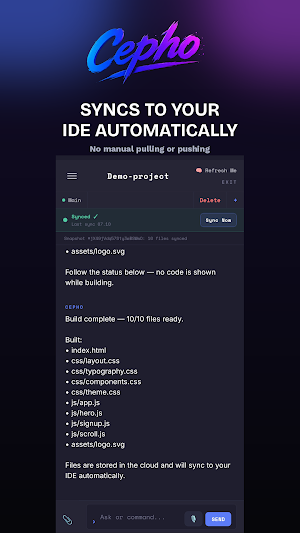
Install the free Cepho extension in your editor, connect it to the app, and your project syncs to the cloud automatically. Pick up your phone, and your files, chat history, and progress are right there — no manual export, no git stash, no waiting.
Works with VS Code–compatible editors (including popular forks). Same extension model - connect once, sync everywhere.
WHAT YOU CAN DO
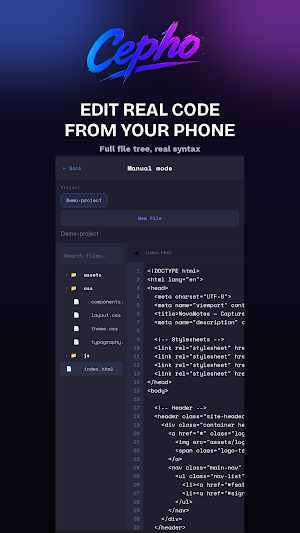
• Browse and edit your real project files from your phone
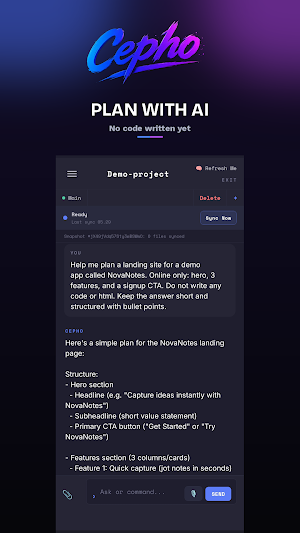
• Chat with Cepho AI about your project
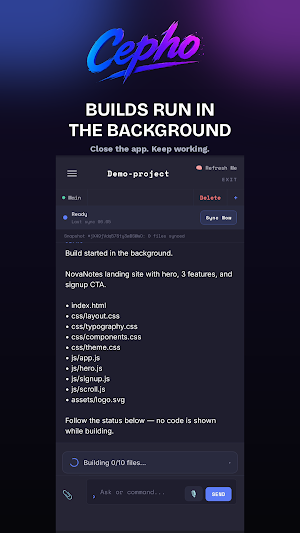
• Ask Cepho to build features - it writes real files, not just suggestions, and syncs them straight back to your editor
• Keep working even when your PC is off - changes queue up and land the moment it's back online
WHO IT'S FOR
Developers who lose good ideas on the bus, in a meeting, or lying in bed - because by the time they're back at their desk, the thought is gone. Cepho closes that gap.
CURRENTLY SUPPORTS
Local projects via the Cepho editor extension. (Not a browser IDE - Cepho mirrors your real local project to the cloud.)
PRICING
Free to start - 1 project, basic cloud sync.
Pro ($10/month) — unlimited projects, full IDE support, extended usage.
Cloud is the truth. Your devices are just windows into it.
Similar Apps

nzb360 - Media Server Manager
Manage Sonarr, Radarr, SABnzbd, Torrents, Unraid + much more all within one app.

MIT Technology Review
Trusted Technology Insights

Building Tools
Tools™ helps prevent costly mistakes and maximise efficiency

Smartsheet: Projects & Teams
Manage intelligent AI-powered projects to boost collaboration and productivity.

Coast: Native Work Order CMMS
Work orders, PM scheduling, assets & team chat — one simple maintenance app

Auto Agent
Auto Agent lets you monitor, diagnose and reprogram vehicles

