File Recovery: Recover Photos
File recovery app to restore deleted photos, videos, and documents easily.

About File Recovery: Recover Photos
Lost important photos, videos, or documents by mistake? File Recovery: Recover Photos helps you scan storage, review recoverable items clearly, and restore what matters with less confusion. Whether you need file recovery, photo recovery, or a simple data recovery solution, the experience is designed to feel practical and easy to follow on Android.
🔍 A simpler way to recover deleted files on Android
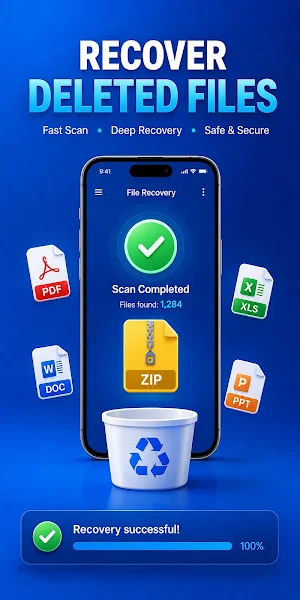
Sometimes deleted files are harder to find than expected. This app gives you a more organized recovery process, from scan to file review to restore. If you want to recover deleted photos, restore videos, or restore files without a complicated setup, it offers a cleaner and more visual workflow for everyday use.
Built for common recovery needs, the app supports deleted photo recovery, media scanning, and a lightweight recycle bin recovery style experience that helps you review items before taking action. It is a practical option for users looking for data recovery for Android, a more accessible file recovery software experience, or a simple way to manage file recovery deleted files results. If you need to recover deleted files from internal storage, the app helps you check supported items more clearly and organize results faster.
⚙️ Key Features
★ Photo Recovery
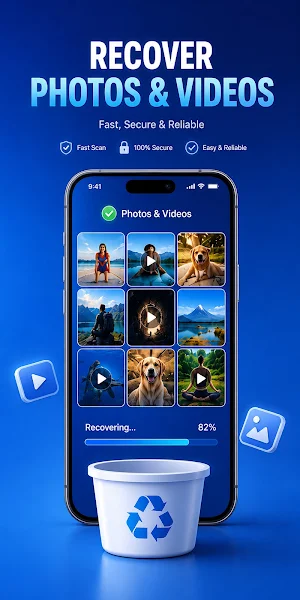
- Scan and review images with a clearer layout
- Helps recover deleted photos in a more organized way
- Useful for everyday deleted photo recovery needs
★ Video and File Restore
- Restore videos with a simple scan and review process
- Restore files from supported categories in fewer steps
- View photos, videos, and documents in one place
★ Recycle Bin Recovery Style Workflow
- Works like a lightweight recycle bin recovery tool
- Review recoverable files before restoring or removing them
★ Clear Scan Results
- Cleaner scan results make files easier to review
- Better visibility for media and document recovery
- Helps manage file recovery deleted files more efficiently
★ Easy Filters and File Review
- Filter by file type, size, date, or folder
- Find the files you want faster with a simpler layout
- Helpful when trying to recover deleted files from internal storage
★ Faster Recovery Flow
- Move from scan to restore with fewer extra steps
- Designed for a smoother file recovery and data recovery experience
✅ Why Choose File Recovery: Recover Photos
- Clearer scan results for easier file review
- Simple file organization for photos, videos, and documents
- Easier filtering to find important items faster
- A practical balance of file recovery, photo recovery, and data recovery tools
- Useful for people who want data recovery for Android without a confusing process
- Built to support common needs like recover deleted photos, restore videos, and restore files
Recovery results may vary depending on device model, Android version, storage condition, supported file types, and whether deleted files have been overwritten.
💬 Feedback & Contact
We continue improving the app to make scanning, filtering, and recovery easier for everyday use. If you have suggestions, questions, or feedback, feel free to get in touch.
Email: [email protected]
