Wolf Watch Faces ULTRA SGW7
Personalize your Wear OS watch with stylish & functional digital wolf watch face
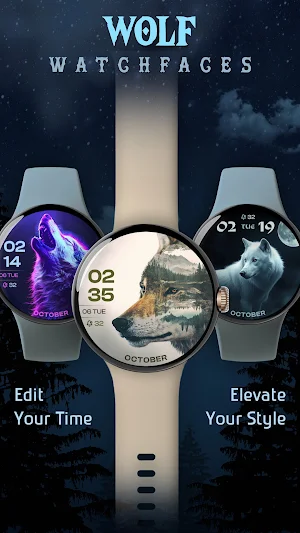

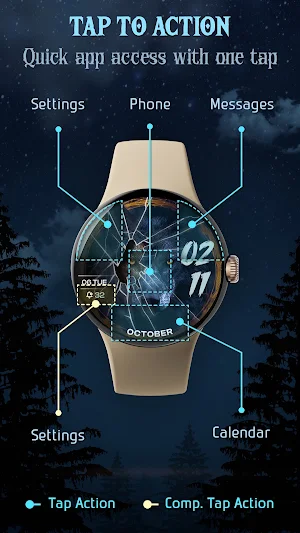
About Wolf Watch Faces ULTRA SGW7
Elevate your Wear OS smartwatch experience with Wolf Watch Faces ULTRA SGW7. Explore a collection of sleek and modern digital watch face dials that seamlessly blend functionality with stunning design.
Customize your watch face to match your mood or occasion with options like color themes, complications, and Always-On Display (AOD) support. Personalize your Wear OS screen with creative, eye-catching digital designs that make your smartwatch truly unique.
Set the Wolf digital watch face effortlessly and enjoy a stylish, functional upgrade to your smartwatch experience. Make every glance at your watch a statement of your style!
Highlighted Features of Wolf Watch Faces App:
• Wolf Themed Digital Dials
• Attractive Color Options
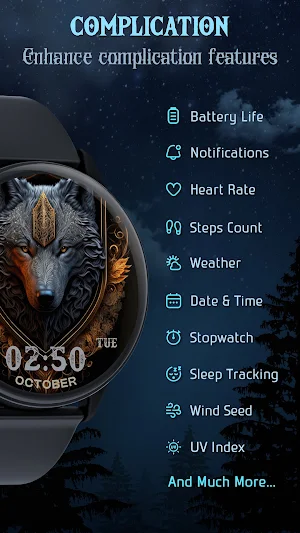
• Customizable Complications
• AOD Support
• Supports Wear OS 3, Wear OS 4, and Wear OS 5 devices.
Supported Devices:
Wolf Watch Faces ULTRA SGW7 app is compatible with Wear OS devices (API Level 30+) that support Google's Watch Face Format.
- Galaxy Watch 7
- Galaxy Watch 7 Ultra
- Pixel Watch 3
- Fossil Gen 6 Smartwatch
- Fossil Gen 6 Wellness Edition
- Mobvoi Ticwatch Series
- Samsung Galaxy Watch 6
- Samsung Galaxy Watch 6 Classic
- Samsung Galaxy Watch5 & Watch5 Pro
- Samsung Galaxy Watch4 and Watch4 Classic and more.
Complications:
You can select and apply the following complications to your Wear OS smartwatch screen:
- Date
- Day of the week
- Day and date
- Next event
- Time
- Steps count
- Sunrise and sunset
- Watch battery
- World clock
Steps to Customize Watch Face & Set Complications:
Step 1 -> Touch and hold the display.
Step 2 -> Tap on the "Customize" option to personalize the watchface (dial, color, or complication).
Step 3 -> In complication fields select the preferred data to view on the display.
How to Download "Wolf Watch Faces ULTRA SGW7" on Wear OS watch:
1. Install via Companion App (Mobile App)
• Open the companion app on your phone and tap "Install" on your watch.
• If you don’t see a prompt on your watch, try toggling Bluetooth/Wi-Fi off and on again to resolve the issue.
2. Download From Wear OS Playstore
• Open the Playstore in Wear OS smartwatch
• In the search section, search for "Wolf Watch Faces ULTRA SGW7" and start download.
How to Set "Wolf Watch Faces ULTRA SGW7" Watch Face:
1. Touch and hold the display.
2. Swipe left or right to select the watch face or tap "Add watchface" to select it from the Downloaded section.
3. Scroll and find "Wolf Watch Faces ULTRA SGW7" watchface and Tap on that watch face to apply it.
Similar Apps

Spring Season Flower Watchface
Spring watchface app brings the beauty of blooming flowers to your wrist...
Neon Glow Watch Faces
The Neon Watchface for SmartWatch is a sleek and futuristic watch face...
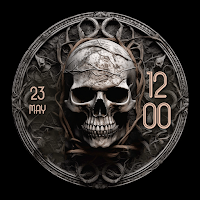
Skull Watchface: Wear OS Watch
Want to add a skull-themed watchface to your wristwatch?If it is your...
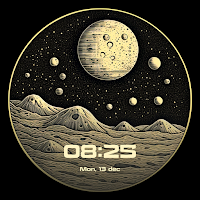
Lunar Moon Phase Watch Faces
Want to add moonlit elegance to the Android watchscreen? If you are...
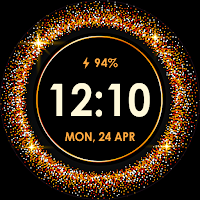
Glitter Watchfaces for Wear OS
Glitter Watchfaces for Wear OS is an app that offers a variety...
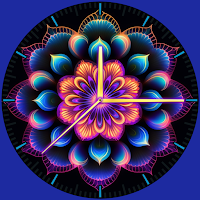
Neon Mandala Watch Faces
!! Neon Mandala Watch Faces for Wear OS !!This Watchface app is...
