Zoom for Intune
It takes advantage of feature in Zoom in a Microsoft Intune managed environment.

About Zoom for Intune
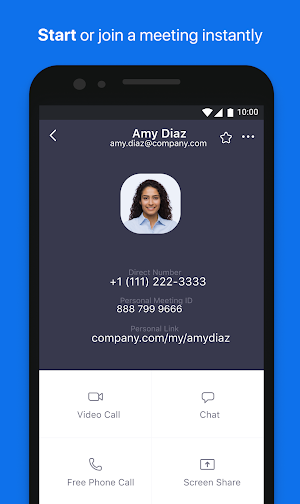
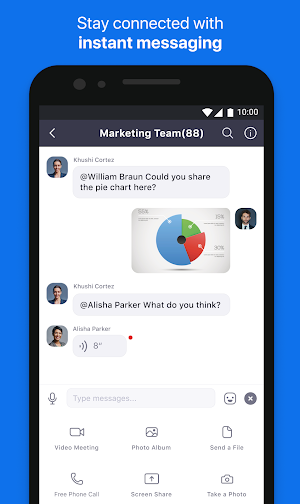
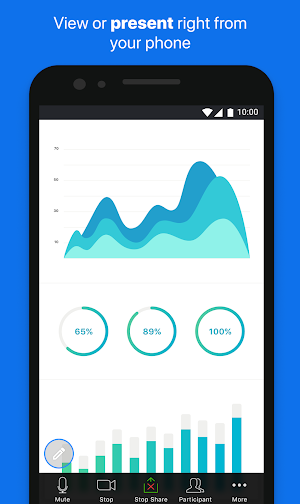
Zoom for Intune is for admins to organize and protect BYOD environments with mobile application management (MAM). This app allows admins to protect corporate data while keeping employees connected.
Zoom is your communications hub for meetings, webinars, chat and cloud phone. Your users can start or join meetings with flawless video, crystal clear audio and instant screen sharing from desktop, mobile or conference rooms.
If you are looking for the end-user version of Zoom, download it here: https://play.google.com/store/apps/details?id=us.zoom.videomeetings&hl=en_US
Zoom for Intune gives enterprise users all the features they expect from Zoom, while providing IT administrators expanded mobile app management capabilities to help prevent leakage of company information. And in the event of a lost or stolen device, IT can remove Zoom from the iPhone or iPad, along with any sensitive data associated with it.
IMPORTANT: This software requires your company’s work account and a Microsoft managed environment. Some functionality may not be available in all countries. If you have issues with this software or have questions about the use of it (including questions about your company’s privacy policy), please contact your company’s IT Administrator.
Similar Apps

Zoom - One Platform to Connect
Work from anywhere with a single app that combines team chat, phone,...

Zoom for Chrome - PWA
The Zoom for Chrome Progressive Web App (PWA) delivers an optimized video...

Zoom Rooms Controller
Meet Happy. Bring beautiful, simple, scalable video conferencing with wireless content sharing...

Zoom for BlackBerry
Only download this app if you are a BlackBerry customer. Specifically designed...
Frequently Asked Questions (FAQ)
What is Zoom for Intune?
What can admins do with Zoom for Intune?
What features does Zoom for Intune provide?
Where can I download the end-user version of Zoom?
What requirements are needed for Zoom for Intune?
How can IT administrators remove Zoom and sensitive data from a lost or stolen device?
Who should I contact if I have issues or questions about Zoom for Intune?