Photo 50kb 500kb Converter
Compress photos under 50 KB. Pick target size & format, batch convert fast.
About Photo 50kb 500kb Converter
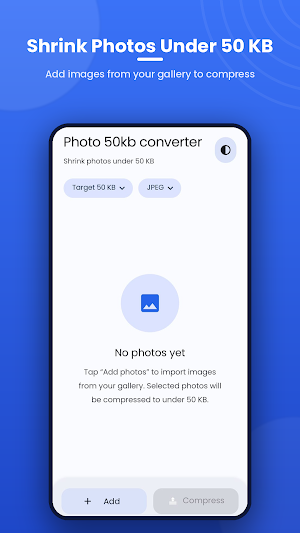
Photo 50kb Converter — shrink your photos to exactly the size you need.
Need a photo under 50 KB for a form, exam application, job portal, or website upload? Photo 50kb Converter resizes and compresses your images to a target file size in seconds — no quality guesswork, no watermarks, no sign-up.
Just pick your photos, choose a target size, and tap Compress. The app intelligently lowers quality and resolution only as much as needed to hit your target, then saves the result straight to your gallery.
★ KEY FEATURES
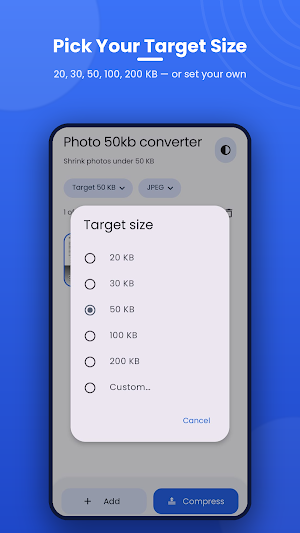
• Custom target size — Compress to 20, 30, 50, 100, 200 KB, or type any size you want (5–5000 KB).
• Batch compression — Select multiple photos and convert them all at once.
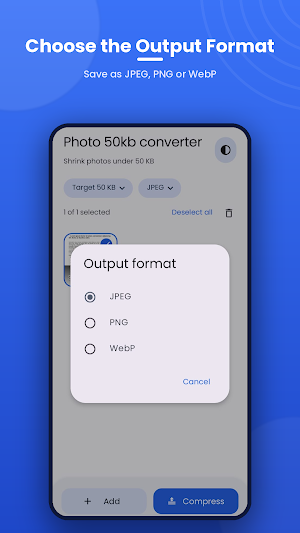
• Choose your format — Save as JPEG, PNG, or WebP. WebP gives the smallest files at the same quality.
• Smart quality control — Automatically balances quality and resolution to stay under your limit while keeping photos sharp.
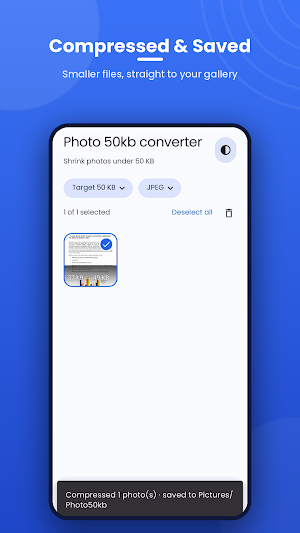
• Saved to your gallery — Compressed images go to a dedicated Pictures/Photo50kb album, originals untouched.
• Keeps correct orientation — Auto-rotates photos using EXIF data so nothing comes out sideways.
• Light & dark themes — Clean Material design that follows your system theme.
• Fast, offline & private — Everything happens on your device. No internet, no uploads, no data collection.
★ PERFECT FOR
• Uploading photos to government, exam, and job application forms with strict size limits
• Reducing image size for email, WhatsApp, and messaging
• Saving storage space on your phone
• Faster website and document uploads
No ads interrupting your work, no hidden limits. Shrink any photo to the exact size you need — quick, simple, and completely free.
Download Photo 50kb Converter today and take control of your photo sizes!
