Drawing Rare Mauve Craft
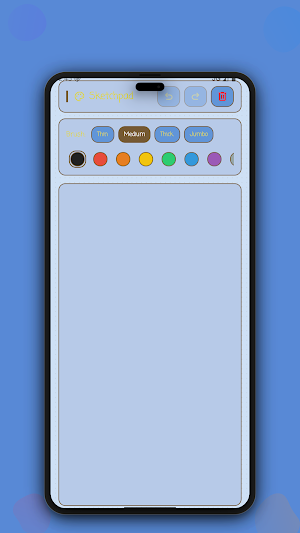
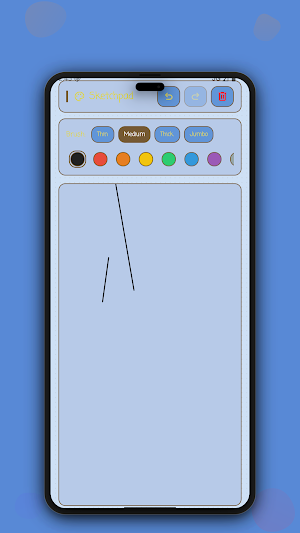
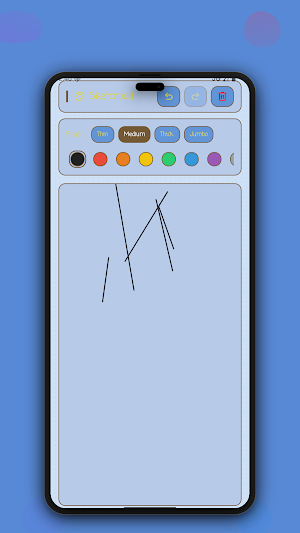
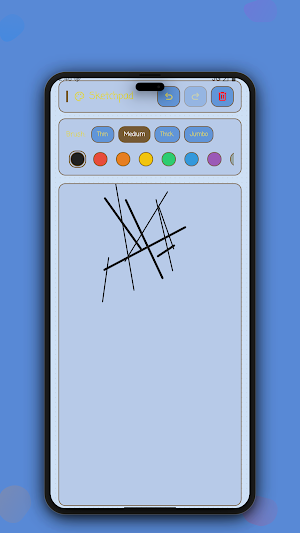
Draw, paint, and sketch on a clean canvas with adjustable brush sizes!
About Drawing Rare Mauve Craft
Unleash your creativity or jot down visual ideas on this canvas-based sketchpad drawing board. This lightweight sketching application lets you paint, draw, and create digital doodles with ease directly on your mobile device screen.
Adjust your brush thickness and work with smooth lines to create detailed drawings or simple visual signatures. Perfect for quick ideas, casual doodles, and drawing practices.
Key Features:
• High-performance interactive drawing canvas for smooth sketch rendering
• Undo and redo actions to easily correct mistakes
• Clear canvas option to start fresh with a single tap
• Customizable brush thickness chips for different line styles
• Responsive touch tracking for detailed lines and shapes
How to Use:
• Touch the screen and drag your finger to draw on the canvas.
• Select a different brush size chip to change the line thickness.
• Tap the undo or redo buttons to step backward or forward through your edits.
• Tap the clear button when you want to wipe the board clean and start over.
Bring your sketches to life and capture your creative thoughts with this lightweight sketchpad drawing board.
Privacy & Experience:
• No ads
• No in-app purchases
• Works completely offline
• No account required
Similar Apps
Fonty - Draw and Make Fonts
Create new fonts and edit existing ones. Draw custom letters and make typography
Huion Note : Easy note-taking
Simple note-taking & annotation

Sketch Pro: Draw & Create Art
Digital illustration drawing & painting pad app to paint Anime and Manga art

HiPaint: Sketch, Draw & Paint
Digital art &drawing apps for pad; painting, illustrator, and animation design.
Drawing Desk: Learn to Draw
800+ Drawing, Painting Lessons App to Practice, Sketch & Paint Art.

touchnotes
Notetaking·MindMap·FlashCard·Cloud
