PDF Scanner & Editor: Sign OCR
Scan, sign & edit PDFs with AI • OCR text • Convert Word & Excel to PDF
About PDF Scanner & Editor: Sign OCR
PDF Next: All-in-One Document Scanner and PDF Editor
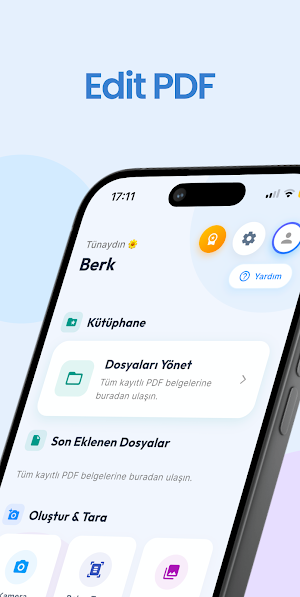
Meet the smartest and fastest way to manage your documents! PDFNext transforms your pocket into a professional office. Whether you're scanning paper documents in high quality or editing your PDFs with advanced tools, all the features you need are in one app.
KEY FEATURES:
🚀 Advanced Document Scanning and Creation
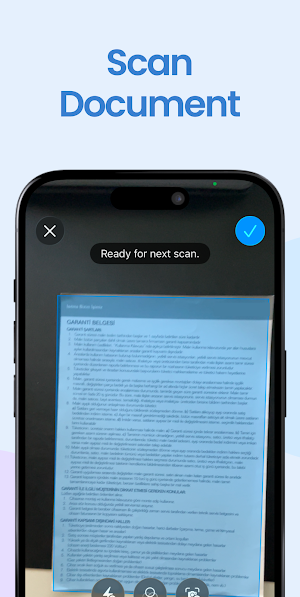
High-Quality Scanning: Instantly digitize receipts, invoices, or contracts using your camera.
Create PDFs from Gallery: Select your photos and convert them to PDF documents in seconds.
ID Scanning: Scan your IDs and passports front and back on a single page with professional layout.
Custom Layout: Create personalized PDFs by arranging your pages in your desired order.
🤖 AI-Powered PDF Analysis (NEW!)
Smart Summarization: Don't have time to read long documents? Our AI assistant analyzes pages of documents in seconds and summarizes the most important points for you.
Chat with your PDF: Ask AI anything you're curious about regarding the content of your document. Have it explain complex points, find data, or request analysis of the content.
✍️ Editing, Signing, and Text Processing (OCR)
PDF Text Editing: Directly replace existing text within PDFs and correct errors.
Text Extraction (OCR): Convert and copy text from images or PDFs into digital text.
PDF Signing: Add digital signatures of wet signature quality to your documents and send them instantly.
PDF Opening and Reading: Review your documents smoothly with our modern and fast PDF viewer.
🔄 Conversion and File Management
Office to PDF: Convert your Word and Excel files to PDF without losing their formatting.
PDF to Image: Save PDF pages in high-resolution JPEG format.
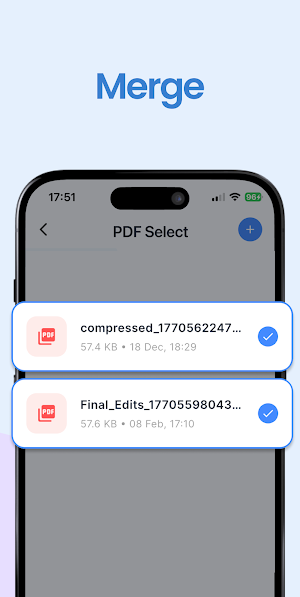
PDF Merging and Splitting: Combine multiple files or extract specific pages from a large PDF.
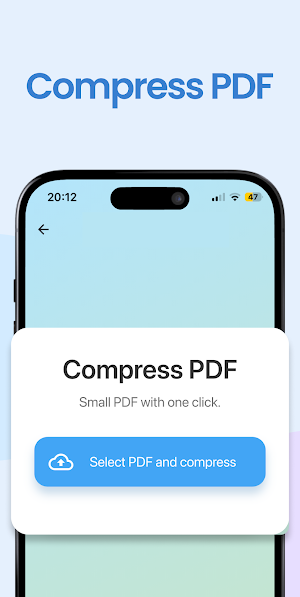
PDF Compression: Reduce PDF size without sacrificing file quality, making sharing easier.
Why PDFNext?
Fast and Secure: Your documents are processed on your device, protecting your privacy.
User-Friendly: A clean and modern interface instead of complex menus.
All-in-One: Browser, editor, converter, AI assistant, and signature tool in one package.
Download PDFNext now to speed up your workflow and eliminate paper waste!
Similar Apps

SkipQue
Queue Management & Appointment System

VXORMX
Offering a convenient experience for checking digital currency market data!

Moving Muscle: Jobs & Pay
Find local moving jobs, work when you want, and get paid next day.

Win The Day: Daily Discipline
Accountability & Habit Tracker
d mobile
d mobile keeps your documents, deadlines and routines in one calm place.

Circlepack
Experience CirclePack Chile from your phone. Everything you need, in one app.

