About Fake GPS
Fake GPS is a mock location provider for Android developer, QA tester, and users who need to simulate GPS positions on a device for development, debugging, and location based app testing.
The app works through Android official mock location system. To use it, Android Developer Option must be enabled, and Fake GPS must be selected as the mock location provider in Developer Setting. This requirement is enforced by Android so that only an authorized app can provide simulated location data.
Features:
Interactive Map
Tap anywhere on the map to select a simulated GPS location. The map supports pinch-to-zoom and smooth panning, making it easy to navigate to different points around the world.
Route Mode
Set a destination point and simulate movement toward it. This is useful for testing location changes, route behavior, and movement-based app features.
Customizable Floating Joystick
Use the floating joystick to manually control the simulated location. You can adjust its size and position for portrait and landscape mode.
Start, Stop, and Update Mock Location
Start the mock location service with one tap. The service run in the foreground and can be updated without stopping. A persistent notification shows the current mock location status.
Saved Location
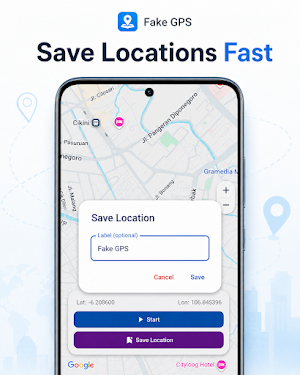
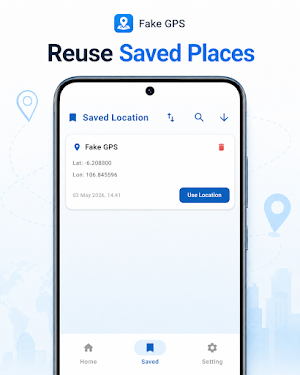
Save up to 25 frequently used location with custom label. Apply a saved location back to the map in one tap. Saved location also store the map zoom level.
Last Location Memory
The app remember the last selected position and zoom level, so you can continue from where you left off.
GPS Accuracy and Update Interval
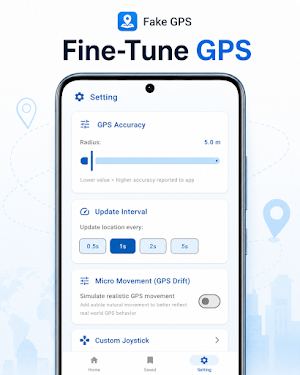
Adjust the accuracy radius and update interval to match the requirements of the app or scenario you are testing.
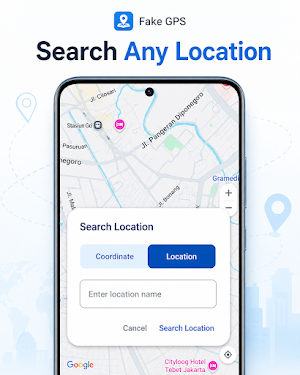
Latitude and Longitude Search
Enter exact coordinate to quickly move the map to a specific location.
Movement Simulation
Simulate gradual location change instead of instant jump for smoother testing scenario.
Clean and Minimal UI
A simple card based interface sits over a full screen map. Control are accessible without leaving the map view.
Use Case:
- Testing location based features during Android app development
- Verifying geofencing behavior at specific coordinate
- Reproducing location related bug
- Simulating movement for QA and debugging
- Demonstrating app behavior in different geographic area
Requirement:
- Android 7.0 or higher
- Android Developer Option enabled
- Fake GPS selected as the mock location provider in Developer Setting
Important Note:
This app is intended for development, QA, debugging, and testing purposes. It provide simulated location data through Android mock location provider system.

