FFF Skin Emote : Fix Lag
FFF Skin Emote : Fix Lag Booyah Mod Zone getting Emotes for fun.
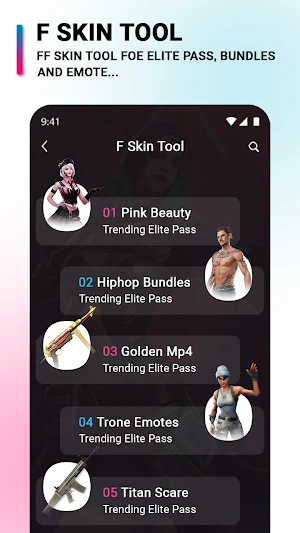
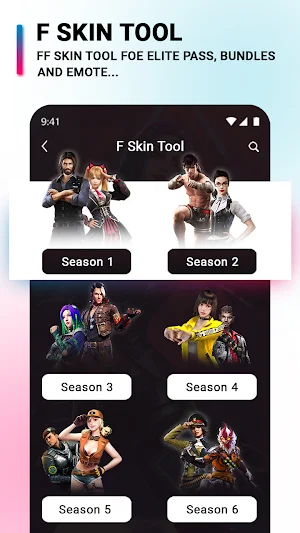

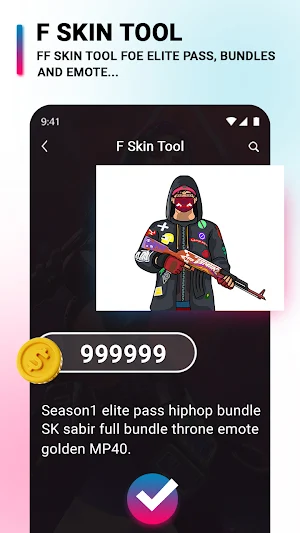
About FFF Skin Emote : Fix Lag
FFF Skin Emote : Fix Lag allows users to entertain by getting Gun Skins, Elite Pass Bundles & Emotes for fun !
How to use FFF Skin Emote : Fix Lag?
- First close FFF game winterlands.
- Next, open the mod max tool and select the skin or weapon that you want to activate.
- Select Gaming background which you most like.
- click active FFF skin on the next page.
- Click use this folder on the next step.
- Open the game and enjoy your skin.
Skin Tools FFF Skin Emote : Fix Lag backgrounds.
Note: If you have any queries and issues with this app then please contact us At Our Email.
Similar Apps

Te Hauora
Te Hauora is the new kid on the block, but is he human or something else?

Chucky Doll Calling Prank
Hey, are you brave enough to call Chucky Doll?

Anotador de Truco
Argentine Trick scorer.

Finger Heart Wallpaper
Enjoy gorgeous Finger Heart Wallpaper

Radio Aliento De Vida
Listen to Radio.Breath of Life.
Godzilla fake call prank
Godzilla is here to set up fake calls and video jokes on your phone
