Signly: Sign & Edit PDFs
Sign PDFs privately offline. Add signatures, text, dates, notes and highlights.
About Signly: Sign & Edit PDFs
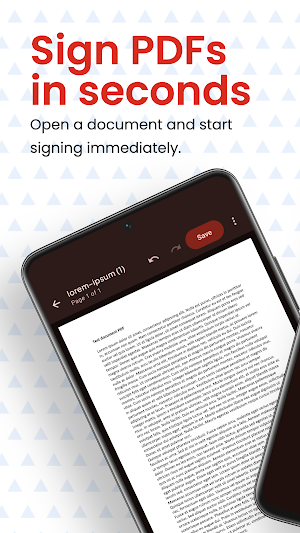
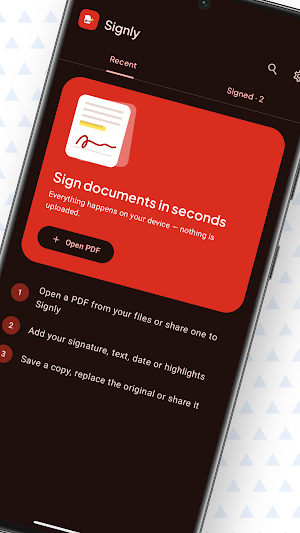
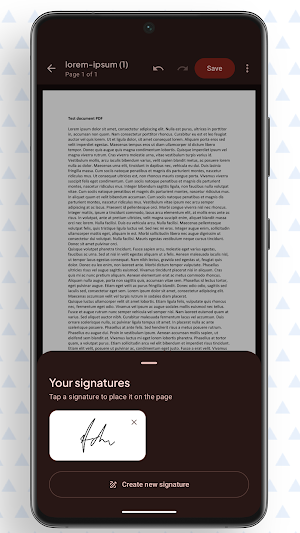
Signly is a private, offline PDF signer and editor for Android. Open a PDF, add a handwritten or typed signature, and finish documents without creating an account or uploading files.
SIGN AND ANNOTATE
• Draw, type and save reusable signatures
• Add text, dates, freehand drawing and highlights
• Move, resize or remove annotations with undo and redo
WORK WITH DOCUMENTS
• Open password-protected PDFs
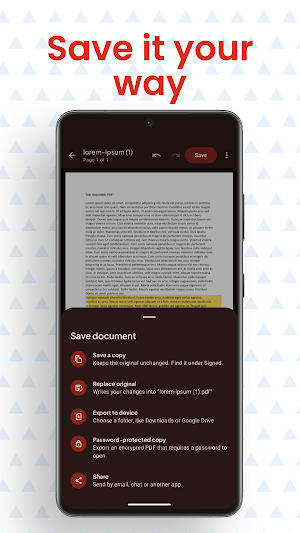
• Save a copy, replace the original, export or share
• Protect exported copies with a password
• Rotate, reorder or delete pages
• Continue later with persistent drafts
BUILT FOR PRIVACY
Your documents stay on your device. Signly works offline and does not require an account.
Use Signly for agreements, forms, approvals, receipts and everyday paperwork.
