About Login
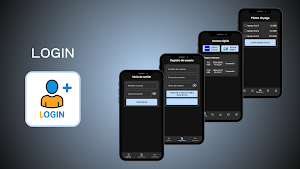
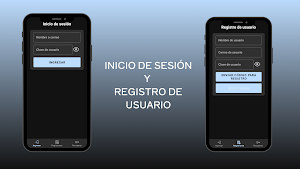
- Login: Upon opening the app, the user is greeted by a login screen where they can securely access their account using their username or email address and password.
- Registration: New users can create an account by providing a username, email address, and password, thus gaining access to all the app's features.
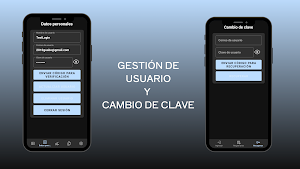
- Password Recovery: If the user forgets their password, they can easily recover it through a secure process that includes email verification and the creation of a new password.
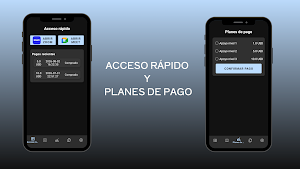
- Dashboard: After logging in, the user accesses a main dashboard that allows them to start video calls (Zoom or Meet) and quickly view recent payments, centralizing their most frequent actions.
- Payments: From the payments section, the user can securely make transactions using Google Play Billing, facilitating financial management within the app.
- Payment History: The user can view a complete history of all transactions, with clear and organized details for better control and tracking. - Notifications: For each payment made, the system sends automatic notifications, keeping the user informed in real time about their transactions.
- User: In the user view, you can view and update your personal information, change your password, log out, or permanently delete your account.
