Pixora - Offline Photo AI
Offline AI photo search and processing with no subscription required.
About Pixora - Offline Photo AI
Pixora is an offline AI app for searching and processing photos in your gallery.
Easily find the photos you need using natural language search. Search for screenshots, documents, receipts, notes, text, objects, and more — all directly on your device.
Unlike cloud-based tools, Pixora works offline and keeps your data private. Your photos stay on your phone and are not uploaded to external servers.
Key Features
Offline AI Photo Search
Search your gallery with AI using simple words and phrases. Quickly find photos, screenshots, and documents without scrolling endlessly.
Find Text in Images
Search for photos by the text inside them, such as receipts, notes, addresses, phone numbers, or passwords in screenshots.
Search by Objects and Content
Find images based on what appears in them, such as pets, cars, food, documents, or other everyday content.
Private and On-Device
Your photos are processed locally on your device. No cloud upload. No unnecessary data sharing.
Fast Gallery Discovery
Locate the right image in seconds, whether you are looking for an old screenshot, a work document, or a memorable photo.
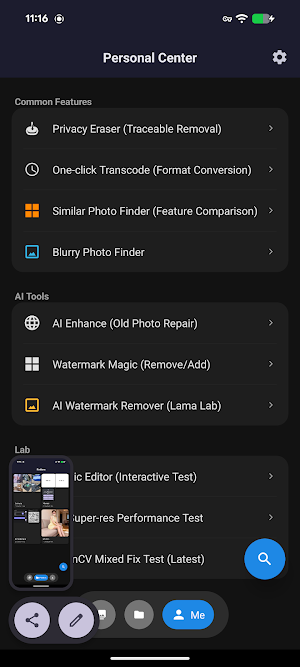
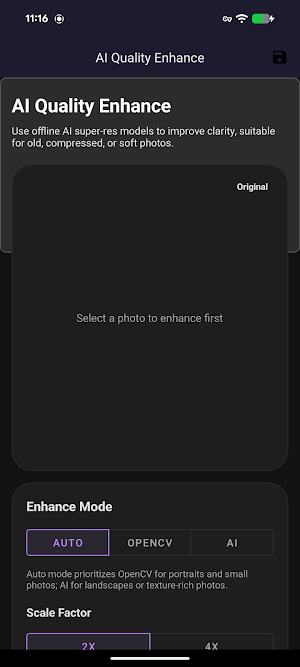
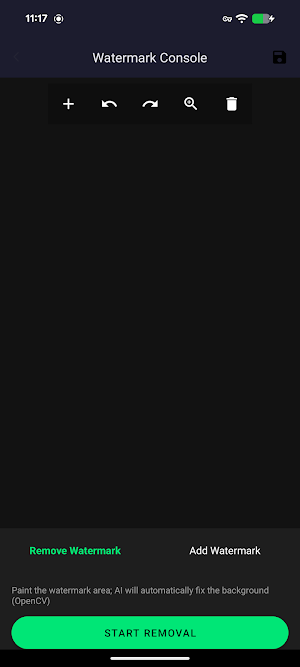
Photo Processing Tools
Use built-in AI-powered tools to help organize and process gallery images more efficiently.
Why Use Pixora
Works offline
AI-powered gallery search
Search screenshots, text, and documents
Private and secure
Fast and easy to use
Designed for local photo management
Great For
Finding screenshots quickly
Searching for receipts and invoices
Locating documents saved in the gallery
Finding photos by text or content
Managing large photo collections more efficiently
Pixora helps you search and manage your gallery in a smarter, faster, and more private way.