N-SPORT711 MultiNews WatchFace
N-SPORT711 watch face WearOS for samsung watch 4,5,6,7,Ultra, many customization
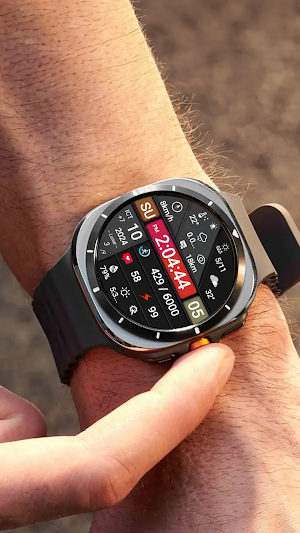
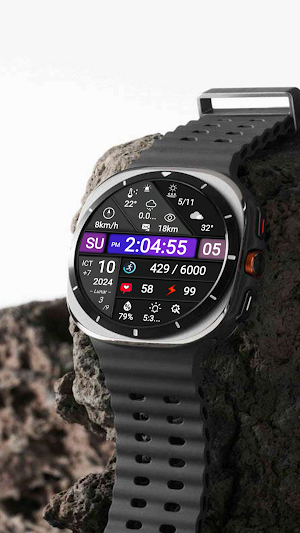
About N-SPORT711 MultiNews WatchFace
Enhance your experience with N-SPORT 711 Watch Face.
N-Sport 711 Watch face is designed in a dynamic sports/luxury/classic styles, allows you to track digital time & multi information in the most intuitive way. You can customize colors backgrounds and many accompanying complication options.
🔊 Highlights:
- Digital time (12H/24Hr)
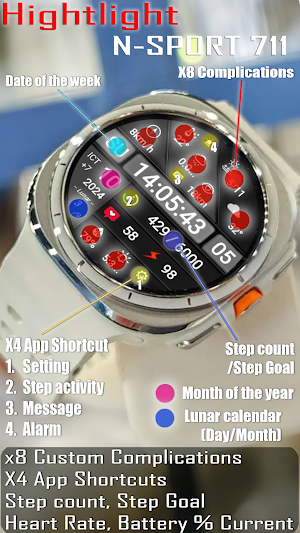
- X8 Custom Complication (For user -defined date)
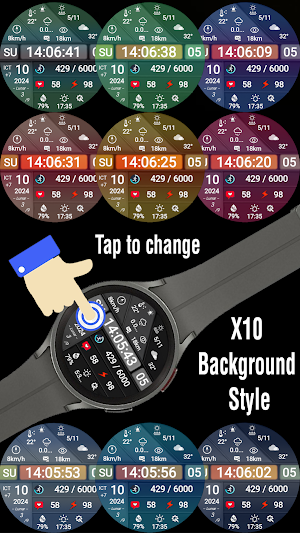
- X10 Custom Backgrounds (For user -defined date)
- Tap to change X10 Background (For user -defined date)
- X4 App Shortcuts (See picture)
- Health information: Heart rate, Steps ...
- Day of the week, Day of the month & Month in year.
- Display Battery % Current, GMT, Lunar calendar .
- Always ON Display support
🎁Don't forget to receive the offer Buy 1 Get 1 at:
https://nsportwatchface.com/promotion
I will also be happy to receive any feedback in the Play Store. What you like, what you don't like or suggestions for the future. I try to have everything in perspective.
🚀Important: N-SPORT Watch Face support only smartwatch devices which are running with WEAR OS API Level 33+ . For example: Samsung Galaxy Watch Ultra/ Watch 7/ Watch 6/ Watch 5/ Watch 4 classic, Pixel Watch, etc.
❤️Heart rate measurement (Version 1.0.4):
Heart rate measurement has been changed. (Previously manual, now automatic). Set the measurement interval in the watch's health settings (Watch settings > Health).
📬If you have trouble installing, please read the instructions here:
https://nsportwatchface.com/instruction-install/
Or contact me: [email protected] for help.
👉 Let’s keep in touch!
🔗Set up application shortcuts and custom combinations:
shortcut = link to a widget
custom = change value
1. Press and hold the watch screen.
2. Press the customize button.
3. Swipe from right to left until you encounter "complications".
Click on them to make the desired settings.
✨The companion application that comes with the watch face does not require permissions when installed on a smartphone, with the purpose of helping you easily install the watch face when connected to your smartphone (You can easily follow the detailed instructions above companion app)
Companion app features only include:
+ Click to install watch face on your watch
+ Link to N-Sport Watch Face Play store page
+ Link to Bogo Buy 1 Get 1 on N-sport Watch Face website
That's all!
✨If you like this design, you should definitely check out my other creations. More designs will be available for Wear OS in the future.
Just check out my website: https://nsportwatchface.com
✨Follow Facebook Page to stay updated with new watch faces: https://www.facebook.com/N.Sport.SamsungWatchFaces
✨If you have an older Galaxy watch running Tizen OS?
Don't worry. Visit my page on the Galaxy Store to see its exclusive designs:
https://galaxy.store/nsportss
✨Visit Group Facebook Coupons & Discount here:
https://www.facebook.com/groups/n.sport.samsungwatchfaces
👉If you want to see the most detailed video, follow me at Youtube channel:
https://www.youtube.com/@NSPORTWATCHFACE
👉Social N-sport Watch Face:
+ Istagram:
https://www.instagram.com/nsportwatchface
+ Threads.net:
https://www.threads.net/nsportwatchface
+ Telegram channel:
https://t.me/N_SPORTsamsungwatchface
Thank you so much for watching this far.
Wishing you good health and see you again in new designs in the future.
Best regards!
N-SPORT711 MultiNews WatchFace details
N-SPORT711 MultiNews WatchFace is a paid Personalization app for Android with 100+ installs on Google Play and a 5.0/5 average rating from 1 rating. It was released on October 5, 2024 and last updated on July 30, 2025.
- Category
- Personalization
- Rating
- 5.0 / 5 (1 rating)
- Installs
- 100+
- Price
- $1.49
- In-app purchases
- No
- Ads
- No ads
- Requires Android
- Varies with device
- Content rating
- Everyone
- Released
- October 5, 2024
- Last updated
- July 30, 2025
Similar Apps
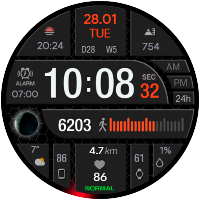
CFS105 Digital
Watch face Wear OS 3.0+
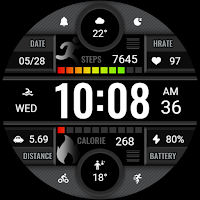
Dark Gray Texture ZKin Watch
The Watch supports running on Wear OS
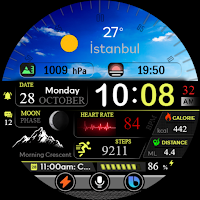
ES WR0010
Discover your own style
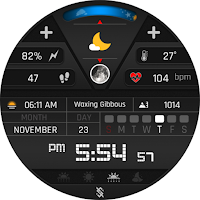
BFF19- Digital: Color Metal
Digital & Analog for Wear OS by BFF-Storm (Except for the square watch face)
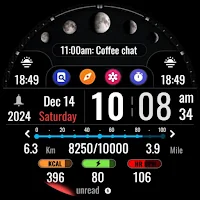
Informative Digital Legend I98
Digital Legend Watch face for all wearable smartwatches powered by Wear OS
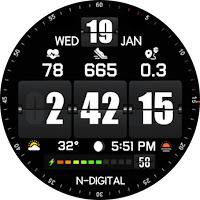
NTV92 - Digital Flip Style
Watchface for Wear OS 5+ API 34+ Galaxy Watch 4, 5, 6, 7, 8, Ultra, Google Pixel

