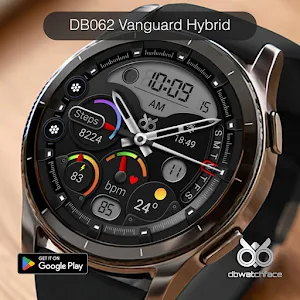
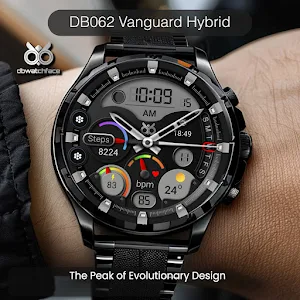
About DB062 Vanguard Hybrid
DB062 Vanguard Hybrid Watch Face compatible with all Wear OS devices with Level 34+ or Wear OS 5+ ( Samsung Galaxy Watch 4, 5, 6, 7 and others).
Features :
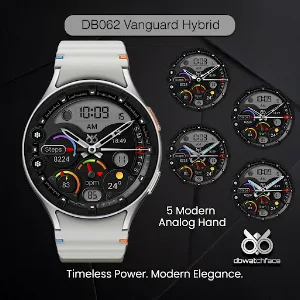
- Analog and Digital Watch
- Date and Day
- Heart Rate and status
- Steps Count and progress
- Battery Status
- 1 Editable Complication
- 2 Editable Apps Shortcut
- Moon Phase
- Weather condition and Temp
- AOD Mode
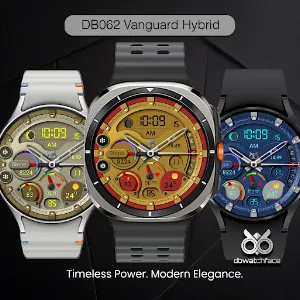
- 10 background
- 30 font colors
You can choose your font color to match the background
To customize :
1. Press and hold the watch display
2. Tap the Customize button
3. swipe to the right until you find customize button
3. Tap the customize buton and you can customize the complications with any available data to suit your needs.
If the watch face doesn’t automatically apply to your watch screen after installation, you need to apply it manually from your watch.
Similar Apps
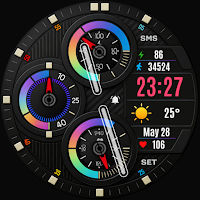
Trend Nova Hybrid Watch Face
Vivid Hybrid Watch Face , Weather, HR, Steps & Battery
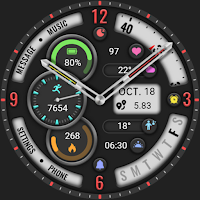
【Analog】Hollow Out Curved
The Watch supports running on Wear OS
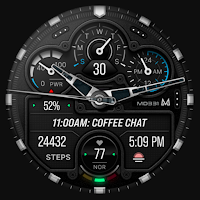
MD331 Analog watch face
Analog watch face with many customizations for Wear OS.
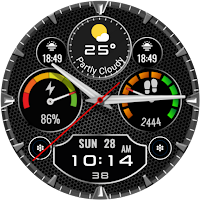
MAHO007 Wear OS Watch Face
MAHO007 is a watch face, designed for Wear OS watchs.
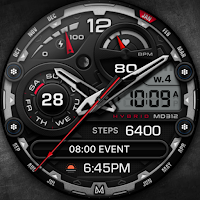
MD312 Analog watch face
Hybrid Watch face with many customizations and editable complication for Wear OS
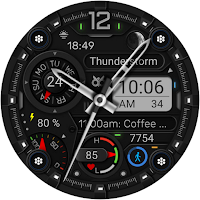
DB061 Next Gen Hybrid
Designed exclusively for smartwatches running Wear OS.
