Tp Link Tapo C200 Guide
How to setup Tp Link Tapo C200 Camera and information about this device
About Tp Link Tapo C200 Guide
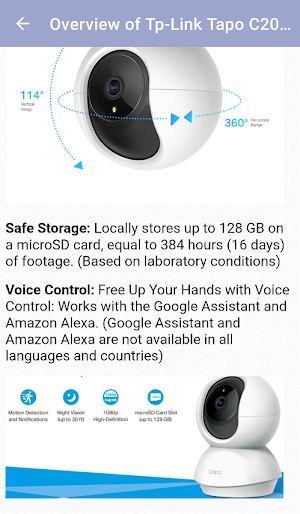
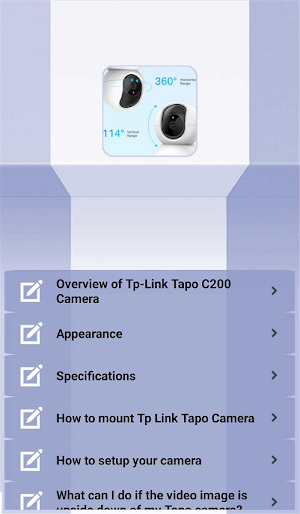
There are explanations such as Tp link Tapo C200 camera setup, appearance and specifications, mounting, updating, how to view 24-hour recordings be found on the app.Tplink Tapo C200 has very nice features such as sending notifications when your baby cries, motion detection and two-way talk.
Overview of Tp-Link Tapo C200 Camera
Appearance
Specifications
How to setup your camera
What can I do if the video image is upside down of my Tapo camera?
About Privacy Mode
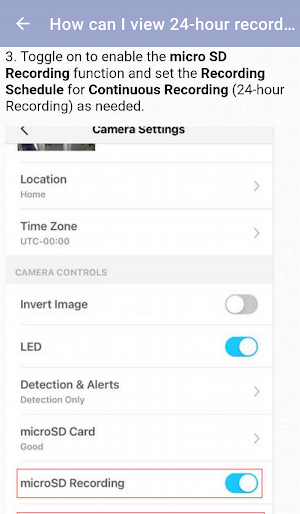
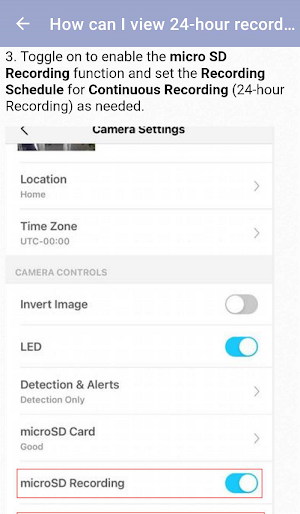
How can I view 24-hour recordings of Tp-Link Tapo cameras
You can find the above-mentioned titles in the content of this mobile app, that is a guide.
Tp Link Tapo C200 Camera Features
* 1080p definition video provides more clarity and sharpness in pictures due to a higher number of pixels.
* With the Tapo C200, you can see what exactly happens in your home. Also, you are able to communicate with loved ones through the built-in microphone and speaker.
* Receive a notification whenever your Tp-Link Tapo camera detects motion and see a video clip of this motion to check everything. Also, you can personalize your own experience by setting motion zones to only capture what happens in the area that you choose.
Similar Apps

Amazon Echo Dot 5th Gen Guide
There are explanations such as Amazon Echo Dot 5th Gen features, how...
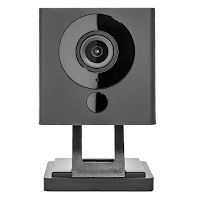
Wyze Cam V2 Guide for Android
There are explanations such as Wyze Cam V2 features, HOW TO SETUP,...
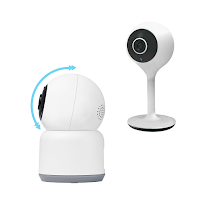
Merkury Camera Guide
If you own Merkury camera, you want to know how to set...
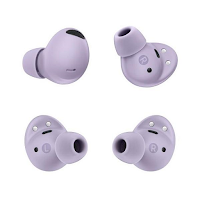
Galaxy Buds 2 Pro Guide
If you own Galaxy Buds 2 Pro earbuds, you want to know...
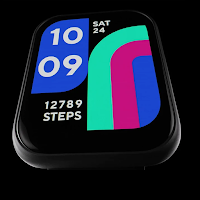
Wyze Watch 47 Guide
The Wyze watch 47 is designed to be lightweight and durable, with...
Vivint Smart Home Camera Guide
You can learn about the features and setup of Vivint Smart Home...
