V720 Mini Camera App
Connect compatible V720 mini cameras and manage supported camera features easily
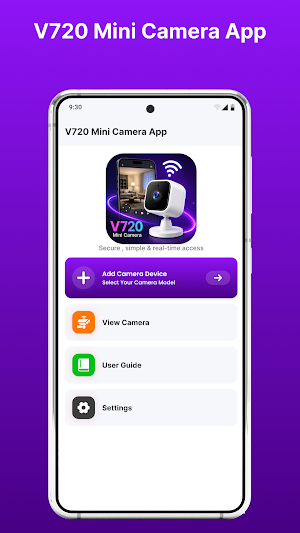
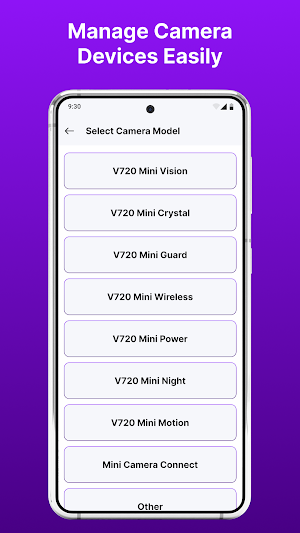
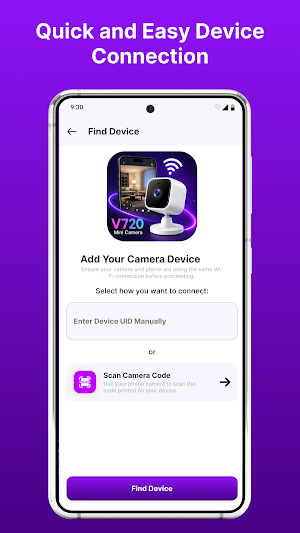
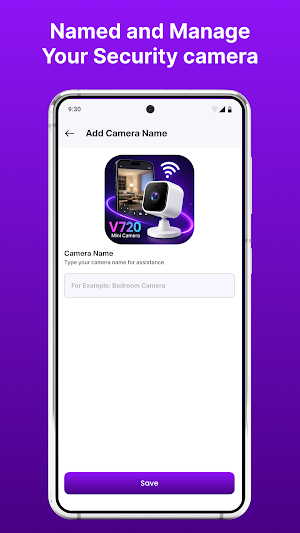
About V720 Mini Camera App
V720 Mini Camera App is an Android utility designed to help users connect and manage compatible V720 mini camera devices. With a straightforward interface and organized connection tools, the app makes everyday camera setup and device management easier.
Whether you're configuring a compact camera at home, setting up an indoor device, or reconnecting an existing camera, the app provides convenient access to supported camera functions.
Easy Camera Setup
Connect your compatible mini camera with your Android smartphone using the connection methods supported by your device. The setup process is organized to make device discovery and pairing simple.
Camera Device Management
Access supported camera settings and connection information from one convenient interface. Available functions may vary according to your camera model and firmware.
Wireless Connectivity
Use supported Wi-Fi connection features to establish communication between your Android device and compatible camera hardware.
Key Features
• V720-compatible mini camera connectivity
• Quick device setup
• Wi-Fi camera connection support
• Camera device discovery
• Connection status information
• Reconnection support
• Supported camera management tools
• Simple Android interface
• Lightweight design
• Easy navigation
Suitable Camera Categories
The app may be useful with compatible:
• Mini cameras
• Indoor cameras
• Wi-Fi cameras
• Wireless cameras
• Smart cameras
• Home monitoring cameras
• Compact security cameras
• IP camera devices
• Portable camera devices
Actual compatibility depends on the connected hardware.
Why Use V720 Mini Camera App?
The app focuses on keeping compatible camera connectivity straightforward and accessible. Its organized interface helps users find available devices, manage connections, and access supported camera options without unnecessary complexity.
How To Get Started
Install V720 Mini Camera App on your Android device.
Power on your compatible camera.
Enable the required wireless connection.
Open the application.
Search for available compatible devices.
Select your camera.
Complete the connection process.
Use the functions supported by your camera.
Compatibility
Available features depend on the camera model, firmware, Android version, network configuration, and supported wireless technology.
Some functions may require specific V720-compatible hardware.
Important Information
A compatible camera is required for camera-specific features. This application cannot add hardware functions that are not supported by the connected device.
Disclaimer
V720 Mini Camera App is an independent third-party application. It is not affiliated with, endorsed by, sponsored by, or officially connected with V720 or any camera manufacturer.
“V720” and related product names are trademarks of their respective owners and are referenced solely for identification and compatibility purposes.
Similar Apps
HD Video Projector Wall App
Connect compatible HD projectors with your phone through a simple interface.
Dizo Watch 2 Sports App
Connect your Dizo Watch 2 Sports using convenient watch tools.
Keqiwear Smart Watch App
Connect and manage your compatible Keqiwear smartwatch with easy pairing.
Airpods App for Android
Connect and manage compatible Airpod with easy pairing and Bluetooth tools.
Zlink5 Android
Connect compatible devices with supported car infotainment systems.
