Alien Warm Clock Collection
Alien Warm Clock Collection designed to make your phone more beautiful..
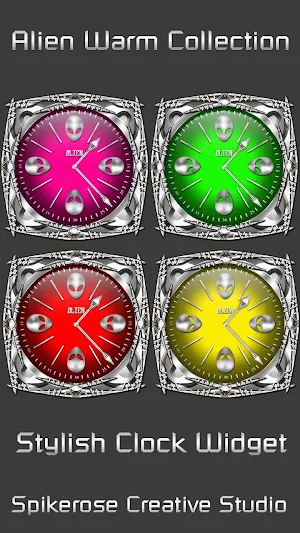
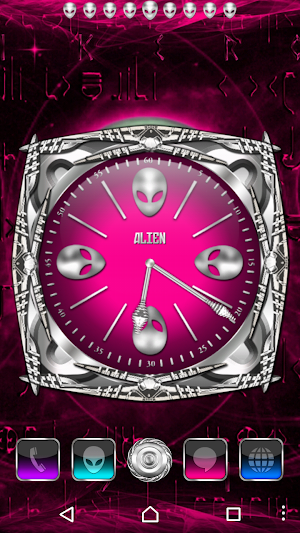
About Alien Warm Clock Collection
1. This app contains only Clock Widget with transparent background.
2. This is a widget, not a regular application.
3. The widget is 2 x 2, 500 x 500 pix.,resizable if your launcher supports it.
4. App is compatible with tablet.
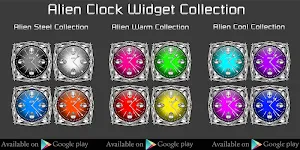
5. More Apps in same design available on Google Play Store.
Instructions:
1. Long-press an empty area of the home screen.
2. Choose 'Widgets' from the resulting list.
3. Tap on Clock Widget and Choose from 4 clock designs.
4. Select the clock from the list and add to the home screen.
5. Tap on the surface of the clock to set alarm.
6. Resize the widget if applicable.
Video Guide: How to install and apply Clock Widget is here:https://youtu.be/CWi-X9lZBLE
Notice:
1. Alarm function may not be available for some Android devices.
2. After installing the clock wifget on the home screen phone reboot is needed.
3. Tap-on system alarm clock works on Android 4 and earlier.
Copyright © 2016 spikerose. All rights reserved.
Similar Apps
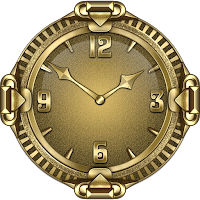
Gold Clock widget
Note:1. This app contains only Clock Widget with transparent background.2. This is...

Yin Yang theme
1. This is not a stand-alone application or a Launcher by itself....

Gold Lucky Charm Go SMS theme
Notice:In new versions of Go SMS Pro the appearance of this theme...

Gold Lucky Charm Go Keyboard t
Please read the instruction carefully before using.1. This app contains only the...

Gold Lucky Charm Dialer theme
Please read the instruction carefully before using.1. You have to install ExDialer...

Gold Lucky Charm 3d Next Launc
This is not a standalone app, this is a theme (skin) for...
