About Scanner Hub
Scanner Hub – Full Description
Scanner Hub is a smart and easy-to-use document scanning and management app designed to help you scan, organize, convert, and share your documents directly from your phone.
Turn your smartphone into a powerful portable scanner and keep your important documents accessible wherever you go.
SMART DOCUMENT SCANNING
Scan documents, receipts, notes, forms, certificates, and other paper documents using your phone's camera. Capture clear, high-quality digital copies quickly and conveniently.
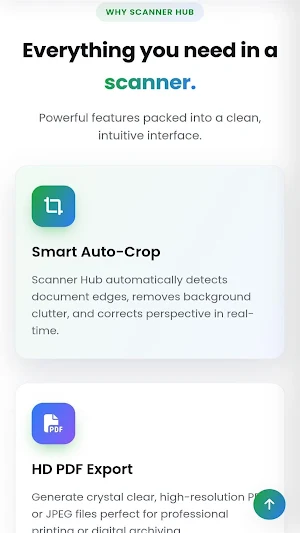
AUTOMATIC EDGE DETECTION
Automatically detect document boundaries and crop your scans for a cleaner, more professional result. Perspective correction helps straighten documents that are captured from different angles.
ENHANCE YOUR SCANS
Improve the appearance and readability of scanned documents with image enhancement tools. Create clean digital copies that are easy to read, save, and share.
CREATE PDF DOCUMENTS
Convert scanned pages and images into PDF files. Create single-page or multi-page documents and keep related pages together in one convenient file.
IMAGE AND PDF CONVERSION
Work with your documents in different formats. Convert images into PDFs and transform PDF content into commonly used formats when needed.
OCR TEXT RECOGNITION
Extract text from scanned documents using Optical Character Recognition (OCR). Quickly turn information from physical documents into editable and searchable digital content.
MULTI-PAGE SCANNING
Scan multiple pages and combine them into a single document. Ideal for books, notes, reports, forms, assignments, invoices, and other multi-page documents.
DOCUMENT ORGANIZATION
Keep your scanned documents organized and easy to access. Manage your digital documents from one convenient place instead of keeping piles of paper.
CLOUD STORAGE & SYNC
Access supported cloud-storage options to store and manage your documents conveniently across your devices.
POWERFUL PDF TOOLS
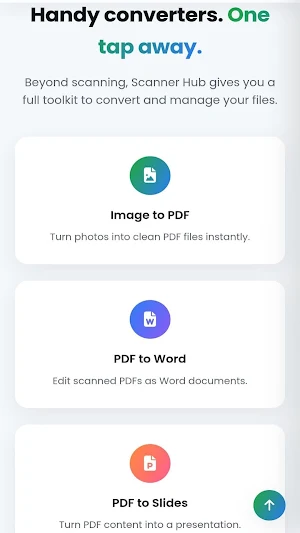
Scanner Hub provides useful tools for working with PDF files, including:
• Image to PDF
• PDF to Word
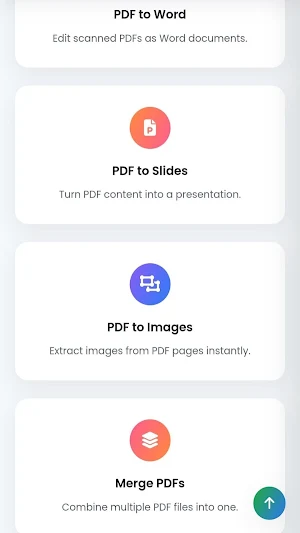
• PDF to Slides
• PDF to Images
• Merge PDF files
• Multi-page document creation
USEFUL FOR EVERYDAY WORK
Scanner Hub can be useful for:
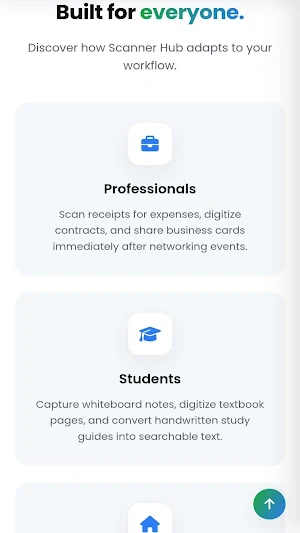
• Students and teachers
• Office professionals
• Businesses and organizations
• Freelancers and remote workers
• Small business owners
• Government and field workers
• Anyone who needs to digitize paper documents
SCAN ANYWHERE
Whether you're at home, in the office, at college, or on the go, Scanner Hub gives you a convenient way to turn physical documents into digital files using your smartphone.
YOUR DOCUMENTS, YOUR CONTROL
Keep your important documents organized and accessible while using the app's available storage and sharing options according to your needs.
From scanning a single receipt to creating a multi-page PDF, Scanner Hub makes document digitization simple, fast, and convenient.
Scan. Enhance. Convert. Organize. Share.
Download Scanner Hub and turn your phone into your everyday document scanner.
Similar Apps
Mobi PDF・Editor・Scanner・Reader
Read, scan, edit & sign PDFs, OCR, convert PDF to Word, annotate & merge PDFs
Smallpdf: Scanner & PDF Editor
The all-in-one PDF app trusted by 2.4B+ people for PDF scanning, editing & more.
PDFelement-PDF Editor & Reader
PDF Editor & AI Scanner: OCR, Convert, Sign, Compress, Merge & Chat PDFs
pdfFiller Edit, fill, sign PDF
PDF editor: edit, sign, annotate & convert docs, fill forms, create templates
Mobile Scanner App - Scan PDF
The Cool Mobile PDF Scanner App to scan documents, photos to PDF in 2022

Falcon PDF - Editor & Tools
Edit, sign, scan & convert PDFs. Reflow mode. 15+ formats. No ads.
