Passport Photo Maker: AI ID
Create passport, visa and ID photos with AI checks, backgrounds and HD export.
About Passport Photo Maker: AI ID
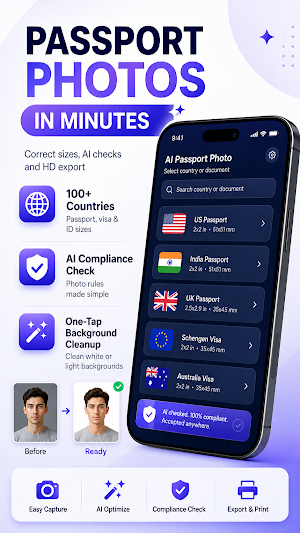
Create passport, visa and ID photos from your phone with Passport Photo Maker: AI ID.
Choose your country and document type, prepare the right photo size, remove or change the background, check key photo requirements, and export a high-resolution image or print-ready photo sheet.
PASSPORT, VISA & ID PHOTO MAKER
Create photos for:
• Passport applications
• Visa applications
• ID cards
• Residence permits
• Driver’s licenses
• Student IDs
• Employee badges
• Job applications
• Travel documents
COUNTRY & DOCUMENT TEMPLATES
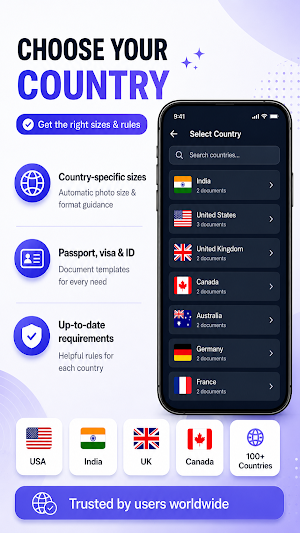
Choose from available passport and visa photo templates for 100+ countries and regions, including India, the United States, the United Kingdom, Canada, Australia, Germany, France, Italy, Japan, South Korea, Singapore, the UAE and more.
Select your country and document type to use the available photo size and layout without manually calculating dimensions.
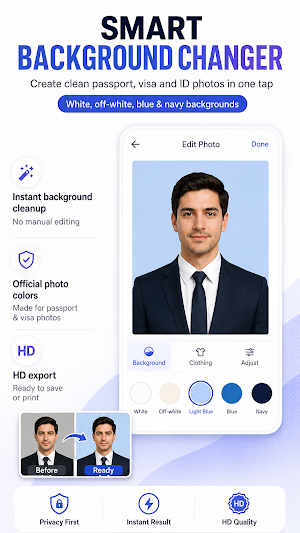
AI BACKGROUND REMOVER
Create a clean document-photo background in seconds.
• Automatic AI background removal
• White and off-white backgrounds
• Light blue and blue backgrounds
• Clean edges around hair and face
• Easy background replacement
AI PHOTO REQUIREMENT CHECK
Check important photo details before export.
The app can help review:
• Face position
• Head size
• Eye alignment
• Background quality
• Lighting
• Sharpness
• Resolution
• Facial visibility
Photo checks are provided as guidance only. Final acceptance always depends on the issuing authority.
PASSPORT PHOTO SIZES & PRINT LAYOUTS
Create popular document-photo formats, including:
• Passport-size photos
• Visa photos
• ID photos
• Biometric photos
• 2×2 inch photos
• 35×45 mm photos
• Custom document photos
Prepare multiple photos on a printable sheet for home printing or a photo lab.
HD EXPORT
Save high-resolution passport, visa and ID photos for digital applications or printing.
• HD image export
• Print-ready photo sheets
• Save and share
• Multiple document templates
PROFESSIONAL OUTFIT OPTIONS
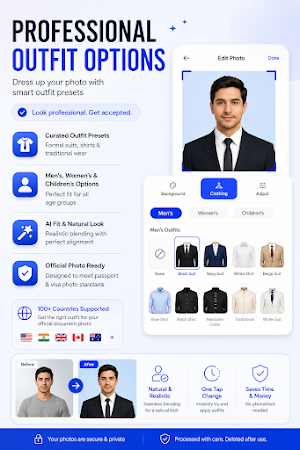
For supported use cases, choose from optional formal clothing styles for men, women and children.
HOW IT WORKS
Upload or capture a photo
Choose your country and document type
Remove or change the background
Review photo requirements
Choose optional clothing if needed
Export your photo in HD or as a print layout
No photo studio required.
PRIVACY
Some AI features may use cloud processing. Please review the app’s Privacy Policy for current details about data handling, processing and retention.
PREMIUM FEATURES
Premium options may include:
• Advanced AI photo processing
• Additional clothing styles
• Extra templates
• HD exports
• Faster AI processing
DISCLAIMER
Passport Photo Maker: AI ID is an independent application and is not affiliated with, endorsed by, or authorized by any government agency, embassy, passport office or immigration authority.
Photo specifications are based on available public information and may change. Requirements vary by country, document type, application method and issuing authority.
Always verify the latest requirements on the relevant official government or issuing-authority website before submitting your photo. Acceptance is determined solely by the issuing authority.
