Messages: SMS Texting
Simple SMS messaging for fast, clear conversations with your contacts.
About Messages: SMS Texting
Messages makes text messaging simple. Send and receive SMS messages, stay in touch with people you know, and keep everyday conversations easy to follow. Whether you are checking in, sharing an update, or replying to a new message, Messages gives you a clear place to manage your conversations.
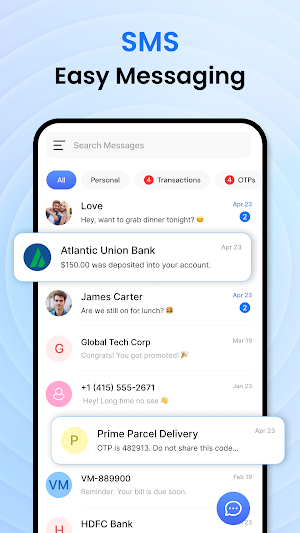
Open Messages to view your conversations, choose a contact, and write a text. Your messages are arranged in familiar conversation threads, so you can read the latest reply and continue where you left off. When a new message arrives, use your notification to open the right conversation quickly.
💬 Simple text messaging
• Start a conversation with a person in your contacts or enter a phone number.
• Write clear text messages in a focused conversation view.
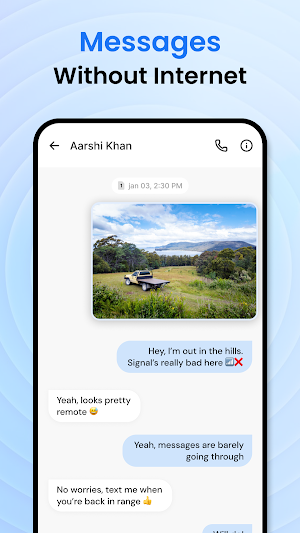
• Read incoming replies in the same thread as your sent messages.
• See your recent conversations together in one easy-to-browse list.
• Return to an active chat without searching through your phone.
👥 Stay connected with contacts
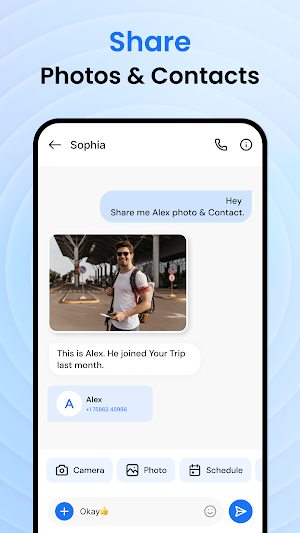
• Choose people from your phone contacts when starting a new message.
• See who a conversation is with before you open it.
• Keep personal and everyday conversations easy to find.
• Reach family, friends, and other contacts from one messaging app.
• Use a phone number when the person is not saved in your contacts.
🔔 Keep up with new messages
• Get notified when a new SMS arrives on your device.
• Tap a notification to go straight to the related conversation.
• Reply when it suits you instead of losing track of an incoming text.
• Check recent messages from the conversation list.
• Stay aware of new replies while using your phone for other tasks.
📞 After Call Screen
Take quick action after a call ends. Instantly send an SMS, set reminders, or check recent messages without switching apps.
✍️ Write and send with ease
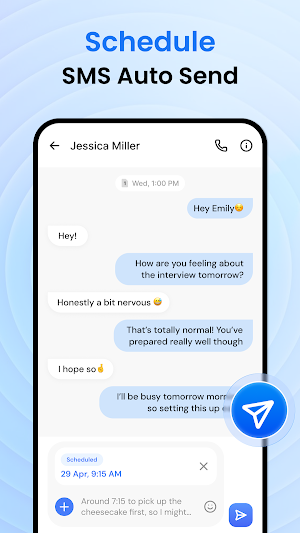
• Create a new message in just a few taps.
• Keep the writing area clear so your message is easy to review.
• Check the recipient before sending a text.
• Send a quick reply after a missed call or a short conversation.
• Use Messages for brief updates or longer everyday conversations.
🔎 Find the conversation you need
• Browse recent threads from the main screen.
• Open a conversation to review its message history.
• Recognize contacts and phone numbers at a glance.
• Move from a new message to an earlier chat without extra steps.
• Keep your texting routine familiar and straightforward.
Why you'll love it
Messages helps remove the extra steps from everyday communication. Its simple layout makes it easy to start a text, read a reply, and return to an ongoing conversation. You can use it for quick check-ins, planning with family, answering a contact, or staying in touch throughout the day.
Who it's for: Anyone who wants a straightforward SMS messenger for personal conversations, quick replies, contact updates, and everyday texting.
Why choose Messages?
✔ Clear conversation threads that are easy to follow
✔ Simple text messaging for daily communication
✔ Quick access to contacts and recent chats
✔ Notifications that help you notice incoming SMS
✔ Helpful actions available after a call ends
✔ A focused design without unnecessary complexity
✔ Easy to open, write, review, and send messages
Messages is made for communication that feels familiar from the first use. Open the app, choose a contact, write your note, and send it. When someone replies, the conversation stays in one place so you can pick it up again later.
Use Messages when you need to send a quick update, answer a question, confirm plans, or reconnect with someone. Keep your conversations close at hand and make daily communication easier with a simple messaging experience.
Download Messages today…
