Sketch AR Drawing & Paint
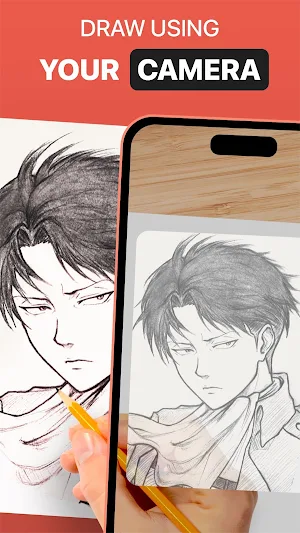
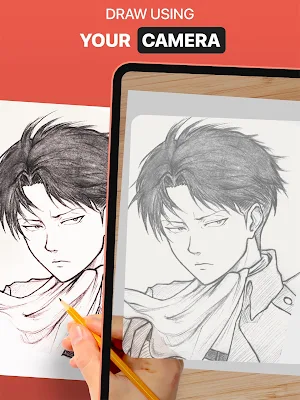
Use DrawingAR app to trace the image on your device's screen and draw on paper.
About Sketch AR Drawing & Paint
DrawingAR app uses augmented reality (AR) technology to project an image onto a surface, such as paper. You can follow the traced lines on your device's screen while drawing on paper, creating a guided trace draw experience.
The Easy Drawing is a simple drawing app allows you to import images from your device gallery and overlay them with a transparent layer. You can then trace sketch or image on your device's screen and quick draw it on a paper.
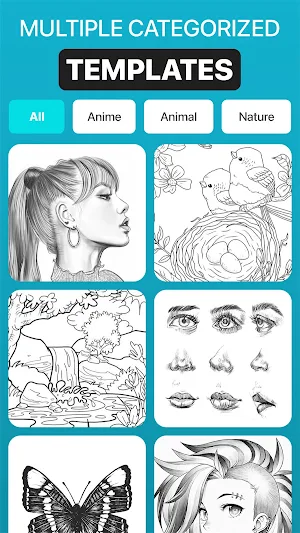
This Sketch AR app has a hundred of pre-defined images from different categories like Animals, Cartoons, Foods, Birds, Trees, Rangolis and many others images & sketch drawing.
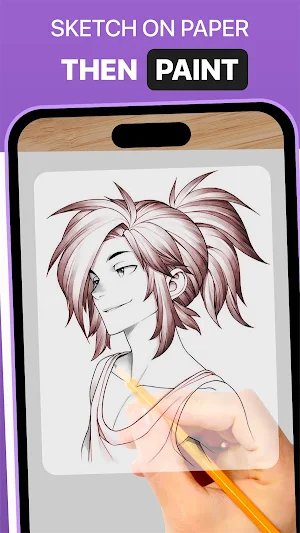
Trace Anything app typically offers features such as adjusting the opacity of the image overlay, zooming in or out, and selecting different images for trace draw. You can also paint it after you trace draw the image using tracing element on your tracing paper or sketch pad.
➤ Features of AR Drawing App:-
1. Image Import: This Easy Drawing app allows you to import images or sketches from your device's photo library or take photos using the built-in camera. You can use these images as references for tracing on paper.
2. Image Overlay: Once you import an image, this Trace Anything app overlays it onto your device's screen. The image is typically displayed with adjustable opacity, allowing you to see both the original image and your tracing paper simultaneously. Also, you can adjust opacity of image with your own and make it transparent for quick draw.
3. Inbuilt browser: This Easy Drawing app has inbuilt Browser where you can browse and import the easy sketches or any type of image or sketch drawing, in the app itself. No need to download easy sketches and image from another browser.
4. Transparency Adjustment: The Trace Drawing app allows you to adjust the transparency or opacity of the overlaid image. This feature enables you to make the image more or less visible, depending on your preference.
5. Record video or images: This Trace Drawing app has a dedicated recording button within the app's interface. By tapping on this button, you can start recording a video while you trace on tracing paper. This app also has feature of time lapse in a video section. Once you have recorded the video, you can find it in the device’s ‘Drawing AR’ folder.
6. Capture images of trace draw: You can capture the image of your traced drawing at the time of drawing or after traced drawing. Once you have captured the image, you can find it in a device’s gallery.
7. Simple Drawing UI: This Sketch AR app has a very simple user interface with best trace elements that you can manage it easily and draw it.
➤ Steps to use AR Drawing app,
1. Download & Open DrawingAR app on your mobile device.
2. Import or select the image you want to trace.
3. Set up your paper or sketch pad in a well-lit area.
4. Adjust the image overlay and position it correctly on your device's screen.
5. Start tracing the image on paper, following its details.
This AR Drawing app is as a versatile tool for artists, designers, and creative individuals.
Similar Apps
Edge Lighting : Border Light
Edge Lighting: Always On Display is a personalized tool which allows you...

Video Ringtone - Phone Dialer
Bored with your default dialer? Love Video Ringtone With Dialer has arrived...
Video Ringtone
Bored with your normal MP3 Ringtones ?? Want to try some video...

Phone Dialer: Contacts & Calls
Bored with your default dialer? Phone Dialer has arrived to replace your...

DJ Name Mixer
Want to create your own DJ songs..?? Then here is the best...

Message tones
If you are on the lookout for brand new Message ringtones, your...
Frequently Asked Questions (FAQ)
