About Proactivanet Remote Control
“As simple as a phone call, as effective as an onsite support”
Offer tech support to any computer from your Android device in a simple, fast and safe way without travels, reducing operating costs and improving response times and resolution of incidents.
Remotely control keyboard&mouse or vice versa, or connect to another Android device. All without jeopardizing the security of information since all communications are always encrypted, using the safest standards available in the market and allowing different levels of access depending on the needs of your organization. Transparent to firewalls and antivirus.
The integration of the Remote Control together with the Service Desk and with the Discovery & Asset Management provides control and direct Access to the incidents, requests, problems and changes managed in the platform, as well as to the list of assets. They form an essential for optimization of any IT support service.
Proactivanet Remote Control provides benefits like:
• Cost reduction: Eliminating the costs and time spent traveling, even when the technician and/or user is outside the corporate network.
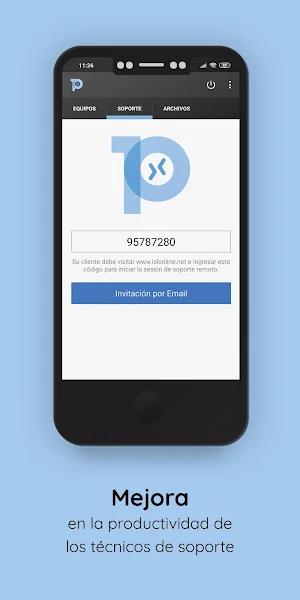
• Improves productivity of support technicians: Helping them to resolve the incidents way faster, without moving and without requiring user intervention.
• Improves productivity and satisfaction of end users: reducing the resolution times of incidents tan can now be managed much more agile, with fewer interruptions for them.
Remote Support:
• Efficient assistance through the web.
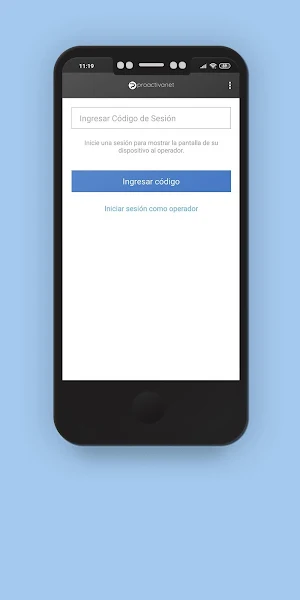
• Connect with your customers through a unique session code.
• Use the chat with your end user during the session.
• Connect to an Android* device to solve technical problems, configuration tasks or data management.
Remote Access:
• Remote Access to unattended computers.
• Share files and Access them whenever you want from your Android device. No remote control is necessary, nor upload the files to a cloud.
Features (Support & Remote Access):
• Remote Access from Android devices. Connect to computers through firewalls. No extra configuration needed. Display the remote desktop.
• Supports multiple monitors with automatic screen resolution and high speed or quality options.
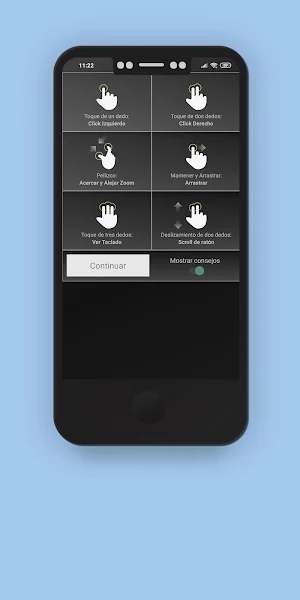
• Remote keyboard&mouse control. Use of special keys such as CTRL, ALT and windows function keys. Send Ctrl+Alt+Del to remote computer.
• Secure connetions through symmetric AES 256 Bit SSL encryption.
Similar Apps

Service Desk
New times, new methods. From the Proactivanet Service Desk we work to try...

Proactivanet ITSM Software
Proactivanet is an IT service management solution fully aligned with ITIL® best...
Prosafety
Prosafety is the software tool that will help your organization in the...
Proactivanet MDM
MDM Discovery Agent that enables remote management and inventory of mobile devices...
Frequently Asked Questions (FAQ)
