Play Games on TV with Phone
Screen mirroring app to cast Video Games from Phone to Smart TV and Chromecast
About Play Games on TV with Phone
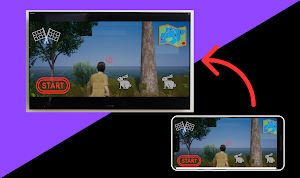
Great news to mobile gamers! You can now play your favorite video games directly on your smart TV using your Android device.
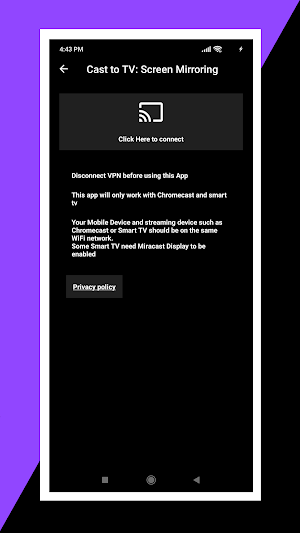
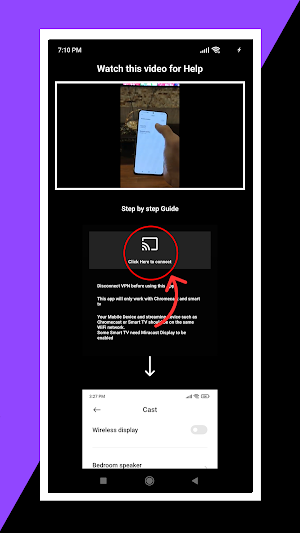
Game Cast is an easy to use screen mirroring app for Android that allows you to share your Android device’s screen to your Android smart TV or Chromecast device. Using this TV cast app, you can play games on your TV and use your Android device as a game controller.
So, if you are into such screen mirroring apps and looking for an easy solution to play games directly on TV via cast-enabled devices (such as Chromecast or Android TV), you’ve come to the right place. Get Game Cast on your Android device and have fun playing video games on your TV with family and friends.
Stable screen mirroring app to play games directly on TV
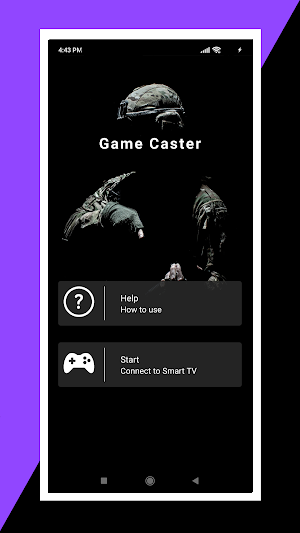
Game Cast is a stable screen mirroring app to cast phone to TV and play games on smart TVs, Chromecast devices, and any other cast-enabled devices. It comes with a clean and neat design, and the stable connection along with an intuitive interface makes this screen mirroring app your choice when it comes to finding a good TV cast app to play games directly on TV.
Try Game Cast! Since the entire features of this screen mirroring app to play games directly on TV are available for free, there is no harm in giving it a try and exploring the features.
Game Cast main features at a glance:
• Clean and neat design with a fresh and intuitive interface
• Free screen mirroring app with stable connections
• Play games directly on cast enabled devices, including Chromecast and Android Smart TVs
• Useful for mobile gamers to play games on TV with phone
Stay tuned and let us know about any bugs in this play games on smart TV App or any questions, feature requests, or any other suggestions.
Miracast is also supported with this App. you can connect miracast and then cast video games on tv.
App also contains Smartview to show mobile screen display on tv. Smartview is a very good feature. Screen cast App is useful to everyone if they want to screen cast their device screen to TV. Using the all connect you can now enjoy easy process with this App.
I am going to tell you about a very good thing which is cast to tv. Whenever you need to watch on your smart TV you can use cast to tv feature of the App, by doing this you can now enjoy your video games using cast to TV.
Similar Apps
Mobile Gaming Ping : Anti Lag
If you are like playing mobile games online then you definitely need...
Crosshair Custom Aim (Safe)
This is 100% SAFE and This is Crosshair Custom Aim for FPS...
Router Setup Page | Router Adm
Are you looking for easy ways to access your router login to...
WiFi Thief Detection
If you are having slow WiFi connection and someone is stealing your...
Time Lapse Camera & Videos
Make use of one of the most powerful time lapse camera apps...
Mobile Gaming Ping PRO
This is PRO version If you like playing mobile games online then...