About DVD Player Remote
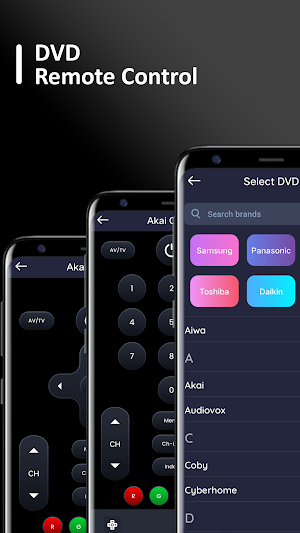
You can control DVD directly from your phone.
This allows users to change channels, adjust the volume, and access other DVD settings, without having to physically interact with the DVD.
The app provides a convenient and flexible way to control the DVD and other connected devices, and is especially useful when the physical remote control is lost or broken.
DVD Remote Control operates using a Wireless network or Infrared (IR Blaster) from your device for controlling each and every function of your DVD.
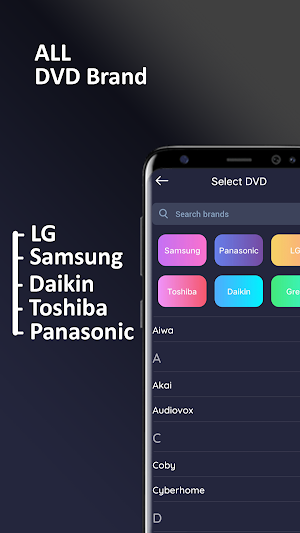
Supported Brands: Haier, Hitachi, Hyundai, Insignia, Jensen, JVC, Kenwood, Lexicon, LG, etc.
Functionalities :
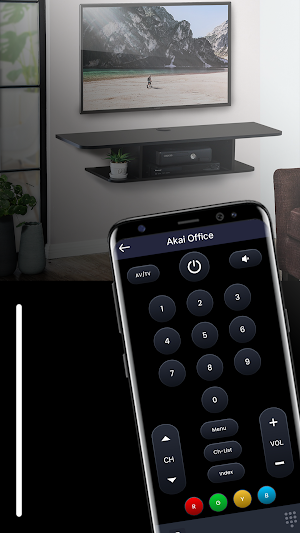
* Power Control.
* Mute / Volume Control.
* Input
* Home
* Channel lists / Up / Down.
* Play / Stop / Reverse / Fast Forward.
* Up / Down / Left / Right Navigation.
How to use:
1. Add the DVd Brand you want to control
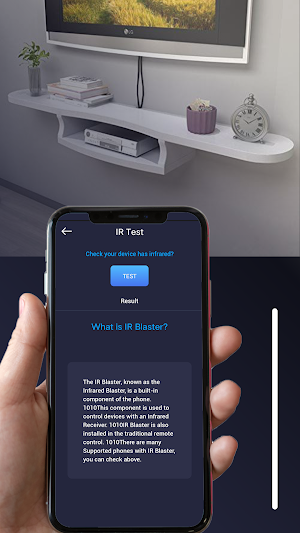
2. Press the test button to check if the DVD Remote Control is working properly
3. Configure your DVD Remote Controller
4. The configured controller is ready-to-use and is now visible on the home screen when you open the App
It supports the latest updates of DVD.
Disclaimer/Trademarks:
- This app is made by me and is NOT affiliated with or endorsed by any Brands or any other developers.
- This free Air Conditioner Remote Controller requires IR Blaster, make sure your mobile phone supports Infrared (IR) Emitter.
Similar Apps

Simple Dive Log
Offline dive log that is customizable yet simple

Gear Calc
Calculation of internal and external involute splines.
Clap To Find
Clapping sounds can help you find your phone easily, conveniently and quickly.
PDF to Excel Converter
PDF to Excel(xlsx) Converter (Fast and Secure)

Ace Cleaner
Junk Cleaner: Clear up space on your device with our efficient cleaner!

iFLO
AC maintenance simplified. Protect your home from HVAC shutoffs & water damage.