Caldwell Ballistic Chronograph
Ballistic Chronograph app for the Caldwell line of Ballistic Chronographs.
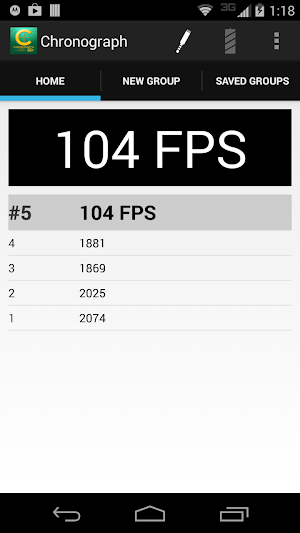
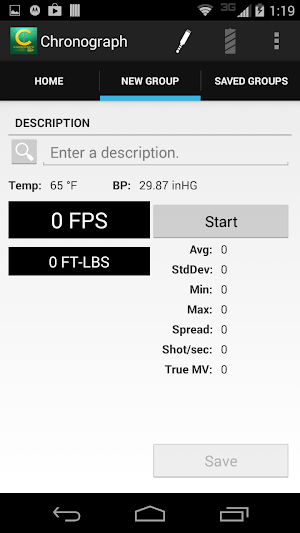
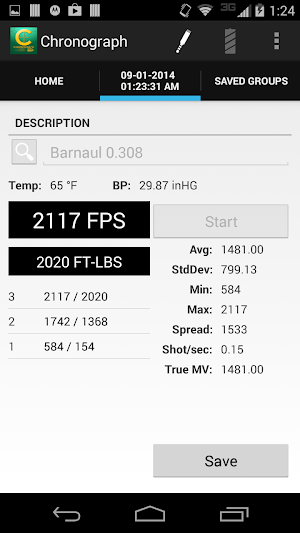
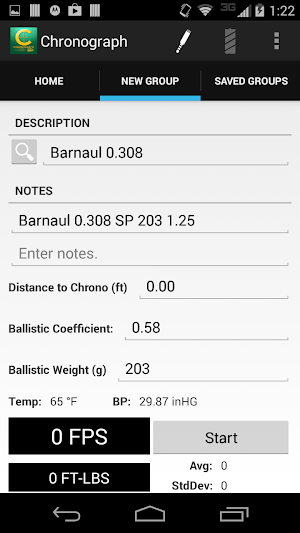
About Caldwell Ballistic Chronograph
The Ballistic Chronograph app is for use with the Caldwell line of Ballistic Chronographs supporting a 3.5mm (TRRS) line-out serial port.
For best performance - make sure your device is up to date with the latest software updates provided by your manufacturer and/or carrier.
If you are unable to connect your Android device to the chronometer follow these instructions:
With the audio cable disconnected at both ends…
1. Connect the audio cable to the Android device
2. Connect the audio cable to the Chronometer
Chrono USB Support (v. 1.24+)
NOTE: Not all devices support USB. To test if your device has USB support - download and run USB Host Diagnostics by Chainfire from Google Play.
A USB 2.0 A-Male to B-Male Cable + a USB On-The-Go Connector is required. These cables can be purchased through Amazon.com, Radio Shack, and other retailers.
When prompted to Allow the app Chronograph to access the USB device - Select OK.
If you do not see a prompt - check your connection and try again.
If you are unable to connect the device - Please ensure your device has USB support.
Similar Apps

Applied Ballistics
State of the art ballistics solver by Bryan Litz, Applied Ballistics. ...

Inrange
Improve your golf handicap on the driving range with Inrange, the best...

ABC12 News - WJRT
ABC12 - Michigan's news, weather, and sports source , offering local news,...

Op 36 Golf
Learning to play golf can be an overwhelming and frustrating experience if...

Philadelphia 76ers
The official mobile app of the Philadelphia 76ers. Delivers an unrivaled interactive...

9&10 News
9&10 News brings you the latest local news from around Northern Michigan...
Frequently Asked Questions (FAQ)
What is the Ballistic Chronograph app used for?
How can I ensure the best performance of the app?
What should I do if I am unable to connect my Android device to the chronograph?
Does the app support USB connection?
What cables are required for USB connection?
What should I do if I don't see a prompt to allow the app access to the USB device?
What should I do if I am still unable to connect the device?