Cast to TV: Screen Mirror
Cast phone to TV with HD screen mirroring. Fast video web caster & TV remote.
About Cast to TV: Screen Mirror
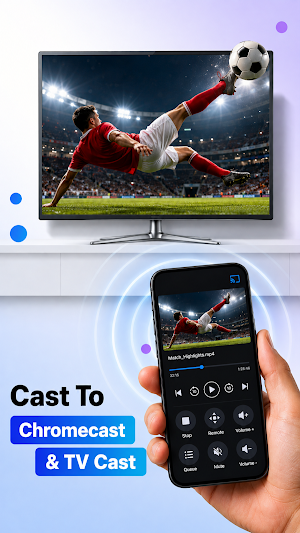
Cast TV turns your mobile phone into a powerful casting app for Android. Effortlessly cast Android to TV, stream online media, share photos, and enjoy Wi-Fi screen mirroring to Smart TVs, Chromecast, and DLNA devices—all on your local network.
Whether you want a reliable smart mirroring app to cast or mirror your phone display, or a versatile video webcaster to stream web videos, Cast TV makes screen sharing fast and seamless.
KEY FEATURES
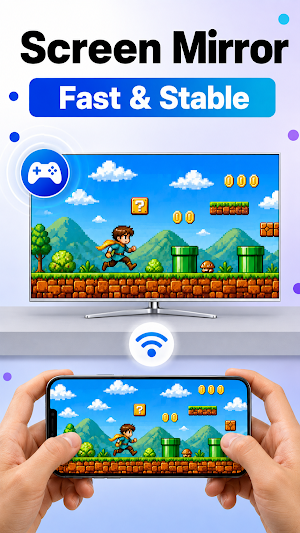
* HD Screen Mirroring & Display Share: Enjoy smooth wireless mirroring to share your phone screen in high quality. Use HD mirroring to present slides, run mobile apps, or stream mobile games on a larger TV cast screen.
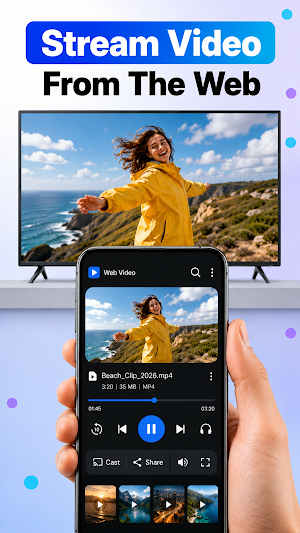
* Video Web Caster & Webcaster: Browse the internet using our built-in web video caster to stream your favorite web media, video streams, and online shows directly to your screen.
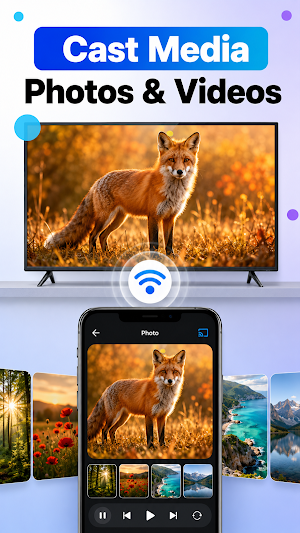
* Cast Android to TV (Videos, Photos & Audio): Easily cast local gallery files to TV. Mirror video clips, stream HD movies, play music tracks, or set up photo slideshows with a simple video mirror connection.
* Smart TV Remote Control: Transform your device into an AirMirror remote control layout to manage playback and navigate menus conveniently from your mobile device.
* Multi-Language Support: Enjoy an intuitive all-screen sender app experience available in 19 languages worldwide.
WIDE RECEIVER & PROTOCOL COMPATIBILITY
CastTV connects easily with major screen receiver standards and wireless display protocols:
• Chromecast, Google TV, and DLNA cast receiver devices
• Compatible with wifi display Miracast receivers and airplay / airscreen casting environments
• Popular Smart TV brands (Samsung, LG, Sony, TCL, Hisense)
HOW TO CAST PHONE TO TV
1. Connect your Android device and TV to the same wifi mirroring network.
2. Launch Cast TV and tap Scan screen cast manager to locate your cast receiver.
3. Select your device, choose mirror display or stream media, and begin casting now in one tap!
WHY CHOOSE CASTTV?
• Fast Connection: Instant network scanning ensures a stable wifi display stream.
• Local Privacy First: Your media stays securely on your local network and is never uploaded externally.
Core Features: Reliable cast-to-TV streaming with core casting features included.
Download Cast TV: Cast to TV & Mirroring today for the complete phone mirroring and streaming experience!
Cast to TV: Screen Mirror details
Cast to TV: Screen Mirror is a free Tools app for Android with 500+ installs on Google Play. It was released on August 5, 2026 and last updated on August 27, 2026. It's developed by AS Tools Studio. It requires Android 7.0 or later. The app contains ads and offers in-app purchases.
- Category
- Tools
- Installs
- 500+
- Price
- Free
- In-app purchases
- Yes
- Ads
- Contains ads
- Current version
- 1.0.6
- Requires Android
- 7.0
- Content rating
- Everyone
- Released
- August 5, 2026
- Last updated
- August 27, 2026
- Developer
- AS Tools Studio
