PicArtist AI Photo & Video
Create, edit & transform pictures and videos using powerful AI photo tools.
About PicArtist AI Photo & Video
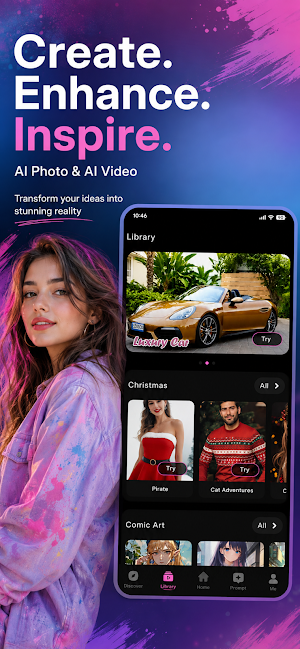
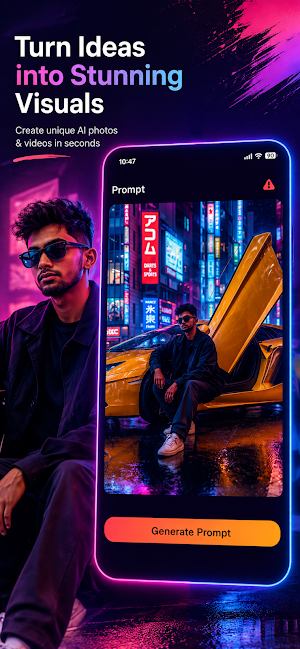
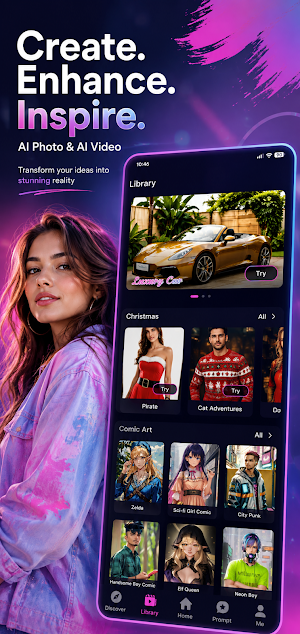
Welcome to PicArtist AI Photo & Video Maker App, the ultimate all-in-one AI photo & AI video generator designed to transform your digital content into viral artwork! Whether you want to generate realistic AI portraits, enhance old photo quality, edit dynamic videos, or create stunning AI artwork, PicArtist provides professional-grade tools with zero learning curve.
Why Choose?
Unleash your creativity with advanced artificial intelligence. This app offers seamless tools to make photos, generate AI videos, remove backgrounds, and create high-quality social media content in seconds.
Key Features:
🎨 AI Photo Generator & Art Maker
• Apply unique AI art filters, anime styles, painting effects, and avatar generators.
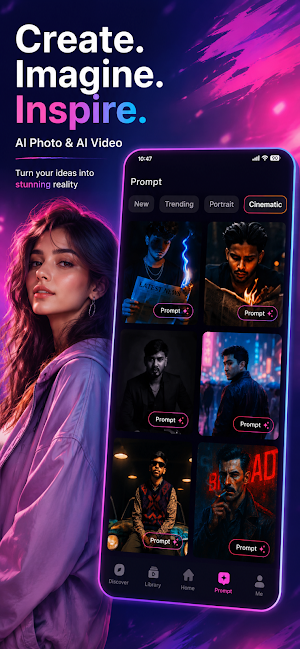
• Create professional headshots, profile pictures, and AI portraits instantly.
🎬 AI Video Generator & Video Maker
• Generate trending AI videos and animations from static images.
• Turn photos into realistic video clips using state-of-the-art AI video synthesis.
✨ Creative Photo Effects & Filters
• Access hundreds of aesthetic photo filters, color presets, and overlay effects.
• Add stylish text, graphic elements, stickers, and custom fonts to your images.
• Make side-by-side photo collages and grid layouts for social media posts.
📸 Smart AI Photo Editor & Enhancer
• Enhance Photo Quality: Fix blurry photos, restore old pictures, and upscale images to HD/4K resolution.
• Background Eraser & Cutout: Automatically remove background from photos with object-isolation technology.
• Object Remover: Clean up unwanted objects, people, or watermarks from your pictures cleanly.
• AI Retouching: Smooth skin, touch up faces, and enhance photo lighting automatically.
📱 Built for Content Creators & Social Media
• Export high-resolution photos and videos formatted for Instagram, TikTok, YouTube Shorts, and Facebook.
• Create eye-catching thumbnails, cover images, and promotional flyers effortlessly.
How to Use:
1. Select an Template that you want to create
2. Upload your photo or choose a creative template.
3. Let the PicArtist AI engine render your artwork.
4. Save and share your high-definition photo or video directly to social media!
Download PicArtist AI Photo & Video today and start creating professional-level visual content powered by AI!
⚠️ Disclaimer & Policy Compliance:
• This app is an independent creative application developed to provide AI image and video processing tools. This app is not affiliated, associated, authorized, endorsed by, or in any way officially connected with third-party photo editing applications or trademarks, including Picsart, Canva, Adobe Photoshop, or their subsidiaries.
