SVG & CAD Viewer
View DXF, SVG, PDF & STL drawings. Measure, layers, markup — works offline
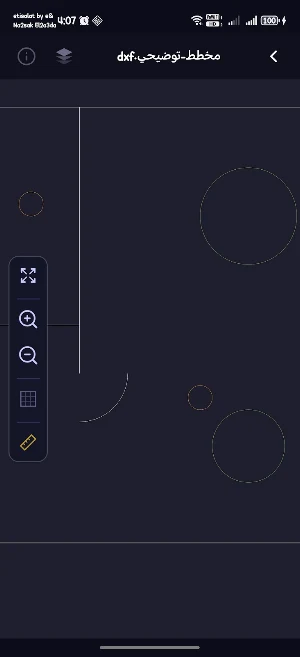
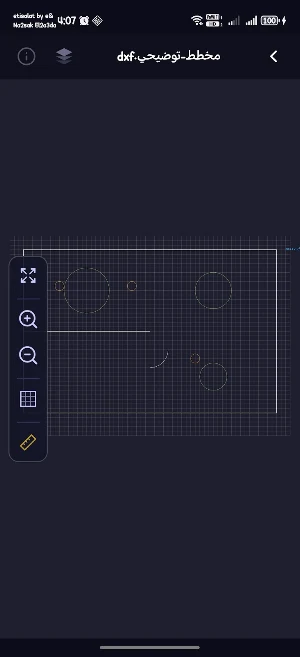
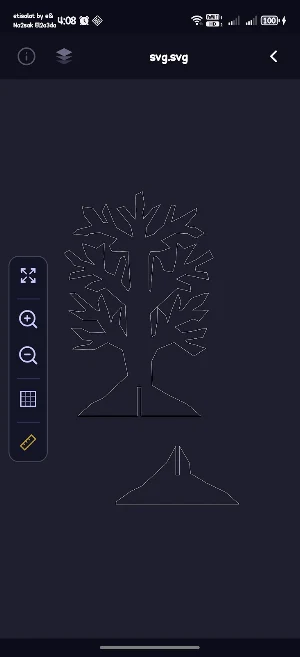
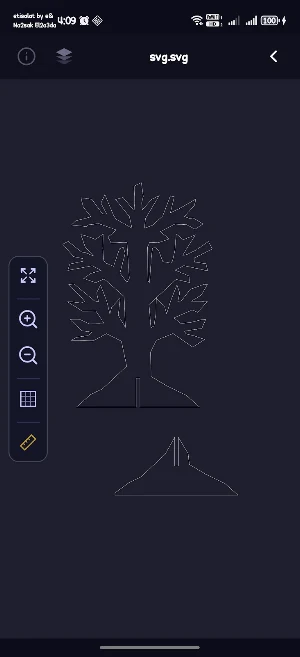
About SVG & CAD Viewer
Open any engineering drawing on your phone and measure it precisely — offline, no account needed.
📂 Supported formats • CAD: DXF (layers, blocks, arcs, splines, hatches, true colours) • Vector: SVG / SVGZ, AI, EPS, multi-page PDF • 3D: STL, OBJ, PLY, STEP, IGES (edge view) • PCB: Gerber, Excellon drill files • Graphics: CDR, PSD, PNG, JPG and more
📏 Professional measuring • Distance, angle, area, path length, radius / diameter • Smart snapping to endpoints, midpoints, centers and onto lines themselves, plus perpendicular snapping for true line-to-line distances • Drag any measurement point to adjust it after placing • Units: mm / cm / m / in / ft; Calibrate images and PDFs with a known distance • A list of all measurements with CSV export
🗂 Layers • Show / hide / lock each layer, isolate, filter and sort • Layer state is remembered per file
✏️ Markup • Pen, line, arrow, rectangle, ellipse, text — 6 colors • Undo / redo, drag control points to edit • Saved automatically with the file and restored when you reopen it
🎨 View styles • Natural (SVG colors and fills as in a browser), color by layer, monochrome, wireframe • Dark or light (paper) canvas, grid, line weights • Text search inside the drawing, go-to-page for PDFs
📤 Share & export • High-resolution PNG, PDF, vector SVG, print — all include your measurements and marks • Recent files for quick access
⚡ Fast and light • Large PDFs open instantly with lazy page loading • Fully offline; Your files never leave your device
Available in English, Arabic, German, Spanish, French and Turkish.
Built for engineers, contractors, technicians and students: review plans on site, take measurements, mark up notes and share them in seconds.
