BFF9- Blackboard Version 9
Blackboard Version for Wear OS by BFF-Storm (Except for the square watch face)
About BFF9- Blackboard Version 9
NOTE : You need to make sure the Google Play account on your phone and watch is the same. To avoid the situation: "Your devices are not compatible".
NOTE: The Watch faces sold by BFF-Storm on the Play Store are currently in the process of feature completion based on Samsung's new Wear Os Google / One UI operating system. So we are committed to update the watch face as soon as possible if a new function is completed. And when you have problems using it, you can contact us via gmail:
[email protected]
We will support and answer questions 24/7.
NOTE: Make sure you have enabled all permissions from settings -> Applications.
NOTE : Heart rate:
-The shortcut does not open the Heart Rate app but starts the measurement; You will notice the heart beating during heart rate detection.
-Please make sure that the screen is turned on and that the watch is worn correctly on the wrist during heart rate measurement.
NOTE: Customizable fields:
You can customize them in the custom watch face section such as: weather, sunset/sunrise, appointment,.....and much more.
NOTE : Customize button:
-Tap to select app shortcut
-Tap to open the app shortcut
NOTE : Some features may not be available on some watches. This watch face will not apply to square face watches.
The BFF9- Blackboard Version 9 by BFF-Storm.
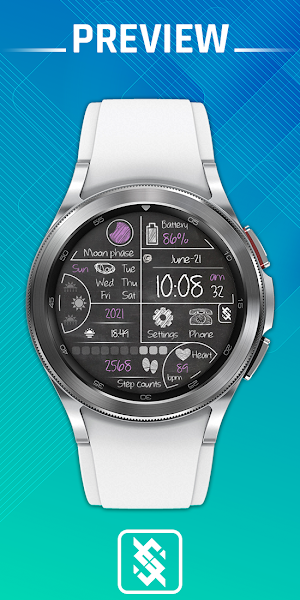
Watch Face Features: (You can see them on the picture description)
- 12/24Hr based on phone settings
- Time information: Day, month, year, weeks.
- Health information: Steps count, Heart rate.
- Moon Phase
- Battery
Other customized information
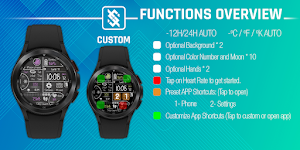
- Optional background *2
- Optional color number and moon *10
- Optional hands *2
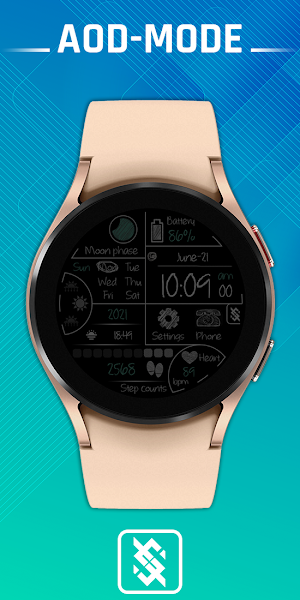
Always on display supports:
- Background color and hands : Set to black by default (For energy saving reasons).
- Color number and moon can be changed.
App shortcuts :
- Phone, Settings and 3 customize app shortcuts. (You can see in the image description for where the 3 buttons are.)
You can see more details on our image description.
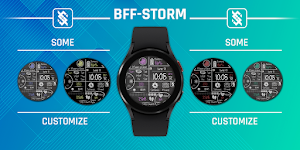
Customize :
1 - Touch and hold the screen
2 - Tap on customize option
Please visit us at:
Facebook: https://www.facebook.com/BFFKINGSTORM
Instagram: https://www.instagram.com/bffstormer/
Webpage: https://bffstormwatchface.com/
Thank You !!
Similar Apps

BFF26 - Neon Art Flower Vase
NOTE : You need to make sure the Google Play account on...
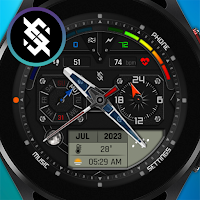
BFF12- Digital & Analog: Metal
NOTE : You need to make sure the Google Play account on...
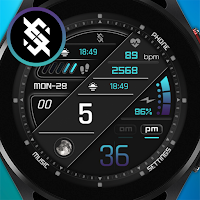
BFF8- Digital & Analog: Color
NOTE : You need to make sure the Google Play account on...
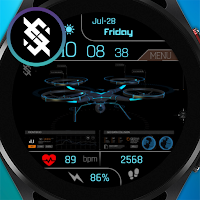
BFF24-Animated Technology UAV
NOTE : You need to make sure the Google Play account on...
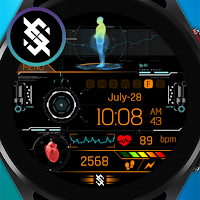
BFF20-Animated Technology Body
NOTE : You need to make sure the Google Play account on...
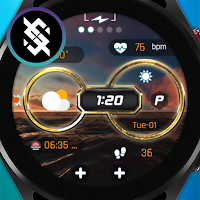
BFF4-Animated Weather Forecast
NOTE : You need to make sure the Google Play account on...
