Unlock Log
Records unlock attempts & captures failed attempts with a front camera snapshot

About Unlock Log
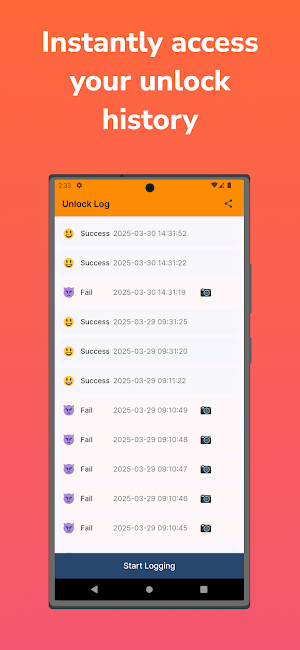
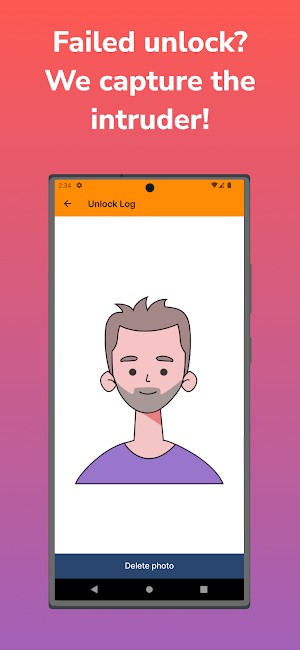
This app logs both successful and failed unlock attempts on your phone. If someone tries to unlock your device, you can check all records. Additionally, if the attempt fails, the front camera will take a picture to identify the intruder.
🛠️ How It Works
1. Open the app and tap the Start Logging button.
2. When someone attempts to unlock your phone, the attempt is logged as successful or failed.
3. If the attempt fails, the front camera captures a photo.
4. Open the app to view your unlock history.
5. To stop recording, tap the Stop Logging button.
Required Permissions
- Camera: Captures a photo when an unlock attempt fails.
- Notification: Sends alerts when the app is running.
- Device Admin Permission: Required to detect unlock attempts (requested upon app launch).
Data Security
- All records are stored locally on your phone and are never transmitted externally.
- Collected data is used only for app functionality and is not shared with third parties.
Additional Information
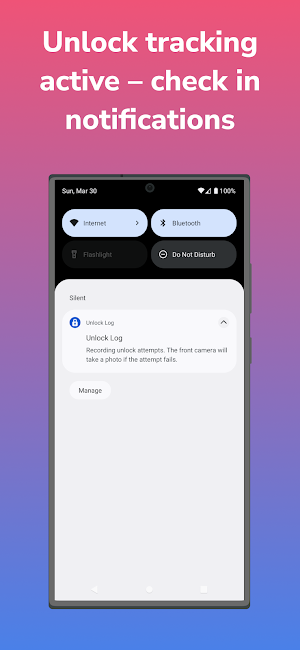
- A notification appears when the app is active. Logging continues unless manually stopped.
- Before uninstalling, you must disable the Device Admin Permission in your phone settings.
This restriction is enforced by Android’s security policy, not the app itself.
Start tracking your unlock attempts now!
Similar Apps

Спутник Монитор
Application for satellite GPS/GLONASS monitoring

WNS
WADP Numbering System

Hunteyed
Hunteyed Vehicle Tracking Solutions combine sophisticated GPS tracking tech.

ERC TA
ERC TA App is an advanced Mobile Time and Attendance System

Aenergya
Control your home energy

Mirasing Connect
Mirasing Connect is a Hearing Aid App
