Broyta: Video Converter
Convert local videos to MP4 or extract M4A audio entirely on device.
About Broyta: Video Converter
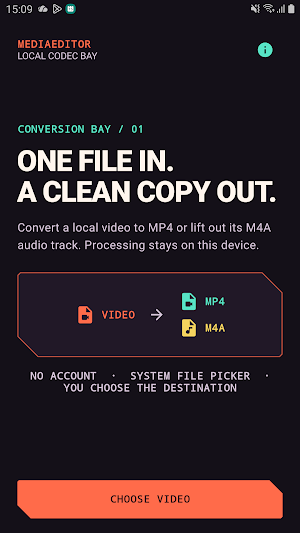
Broyta gives you a focused conversion bay for videos already on your device.
Choose one video through Android's system file picker, select an output mode, and save the result exactly where you want it. Processing runs on the device, and Broyta never uploads your media.
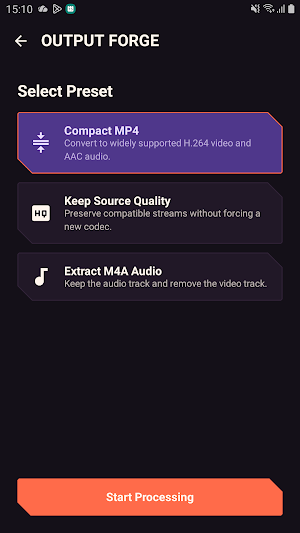
Output modes:
- Compact MP4 converts video to widely supported H.264 video with AAC audio.
- Keep Source Quality preserves compatible source streams when possible.
- Extract M4A Audio removes the video track and keeps an AAC audio copy.
You control both ends of the workflow. Android's picker grants access only to the video you select, and Android's save screen lets you choose the output folder and filename. Temporary conversion files stay in app-private cache and are removed after a successful save or when you reset the workflow.
Broyta does not require an account and does not include analytics, advertising, tracking, cloud processing, or a network permission. Optional feedback opens your installed email app; Broyta does not submit the message itself.
Codec support depends on the formats available through Android's media framework on your device. If a source format cannot be processed, Broyta reports the failure and lets you choose another video.
